 Christian Wells
How to Install n8n on AlmaLinux 10
n8n on AlmaLinux 10 is a practical way to self-host workflow automation, scheduled jobs, API orchestration, and internal integrations without depending on a hosted SaaS editor. It works especially well when you want your workflows, credentials, and webhook endpoints to stay on infrastructure you control.
In this guide, we restore a fresh AlmaLinux 10.1 server on Shape.Host, verify the current stable n8n release and its Node.js requirement, install Node.js 22 from the upstream NodeSource repository, install n8n 2.12.2 globally with npm, run it as a dedicated systemd service, place Nginx in front of it on tutorials.shape.host, account for SELinux and firewalld on AlmaLinux, and secure the deployment with a live Let’s Encrypt certificate.
What Is n8n?
n8n is a workflow automation platform that lets you connect services, trigger jobs from schedules or webhooks, transform data between systems, and build multi-step automations from a visual editor. It is a strong fit when you want more deployment control than a hosted automation platform gives you, including self-hosted storage, custom reverse proxying, and local network access.
Versions Used in This Tutorial
| Component | Version Verified | Source |
|---|---|---|
| AlmaLinux | 10.1 | Fresh Shape.Host restore and /etc/os-release check |
| n8n | 2.12.2 | Current npm stable release at install time |
| Node.js requirement | >=22.16 |
Current npm package metadata for n8n |
| Node.js installed | 22.22.1 | Installed from the NodeSource Node 22 repository |
| npm | 10.9.4 | Installed with Node.js 22 |
| Nginx | 1.26.3 | Installed on the live AlmaLinux 10 server |
| SSL | Let’s Encrypt certificate for tutorials.shape.host |
Issued live during the deployment |
Why Install n8n on AlmaLinux 10?
- AlmaLinux 10 gives you a modern RHEL-compatible base with long support timelines.
- n8n only needs a current Node.js runtime and a reverse proxy to run cleanly in production-style layouts.
- Nginx, systemd, SELinux, and firewalld fit naturally into AlmaLinux operational workflows.
- Using
tutorials.shape.hostwith HTTPS gives you a clean public editor URL for testing and webhook validation.
Prerequisites
- A fresh AlmaLinux 10 server
- Root or sudo access
- A domain pointing to your server, in this case
tutorials.shape.host - At least 2 vCPU, 4 GB RAM, and 50 GB storage for a comfortable baseline deployment
1. Verify the Operating System
Start by confirming that the restored server is actually running AlmaLinux 10.
cat /etc/os-release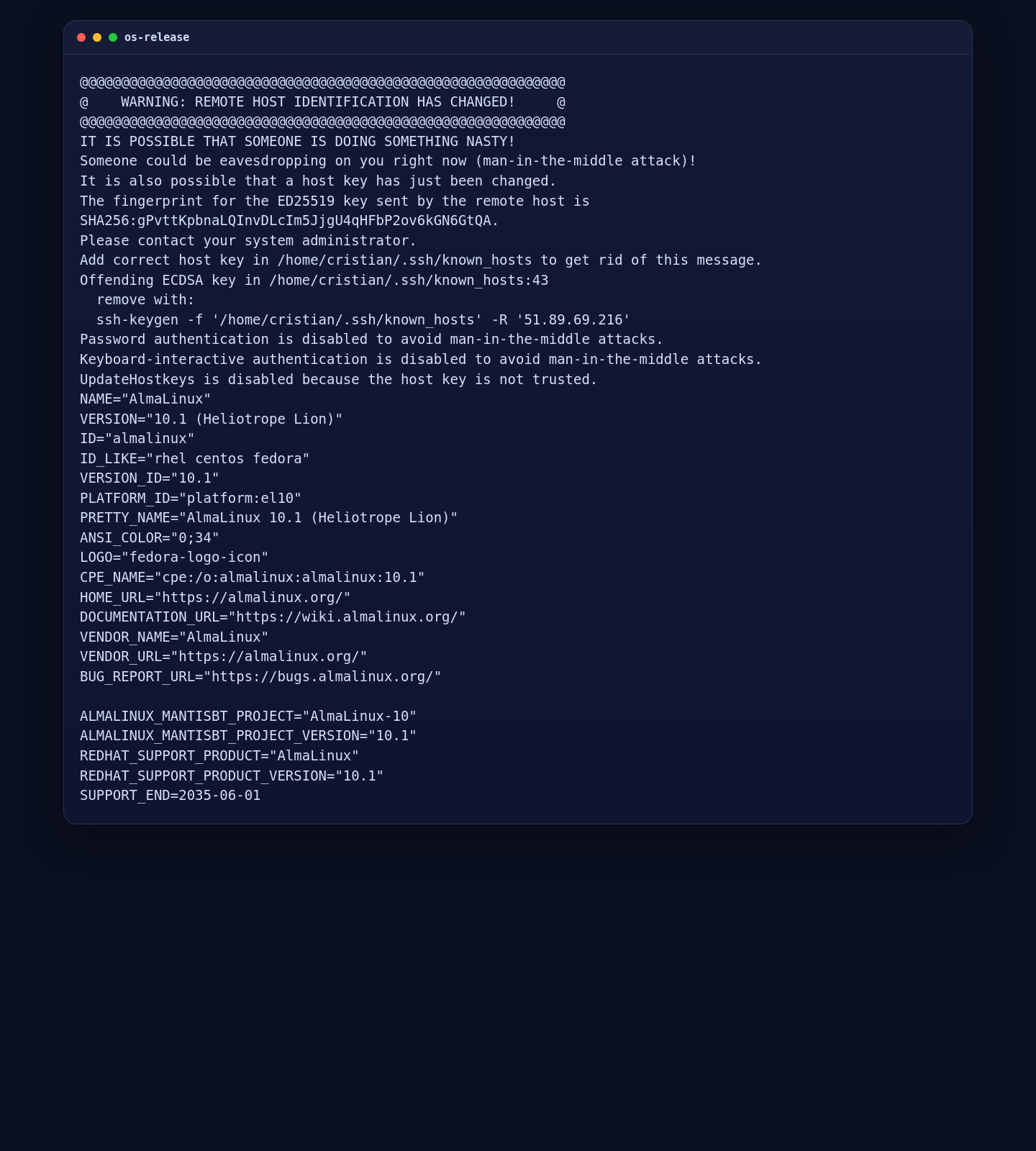
2. Update the Server and Install Build Dependencies
Before adding Node.js 22, update the server and install the basic packages needed for repository setup, native npm builds, and SELinux adjustments.
dnf -y update
dnf -y install curl ca-certificates gnupg2 gcc-c++ make policycoreutils-python-utils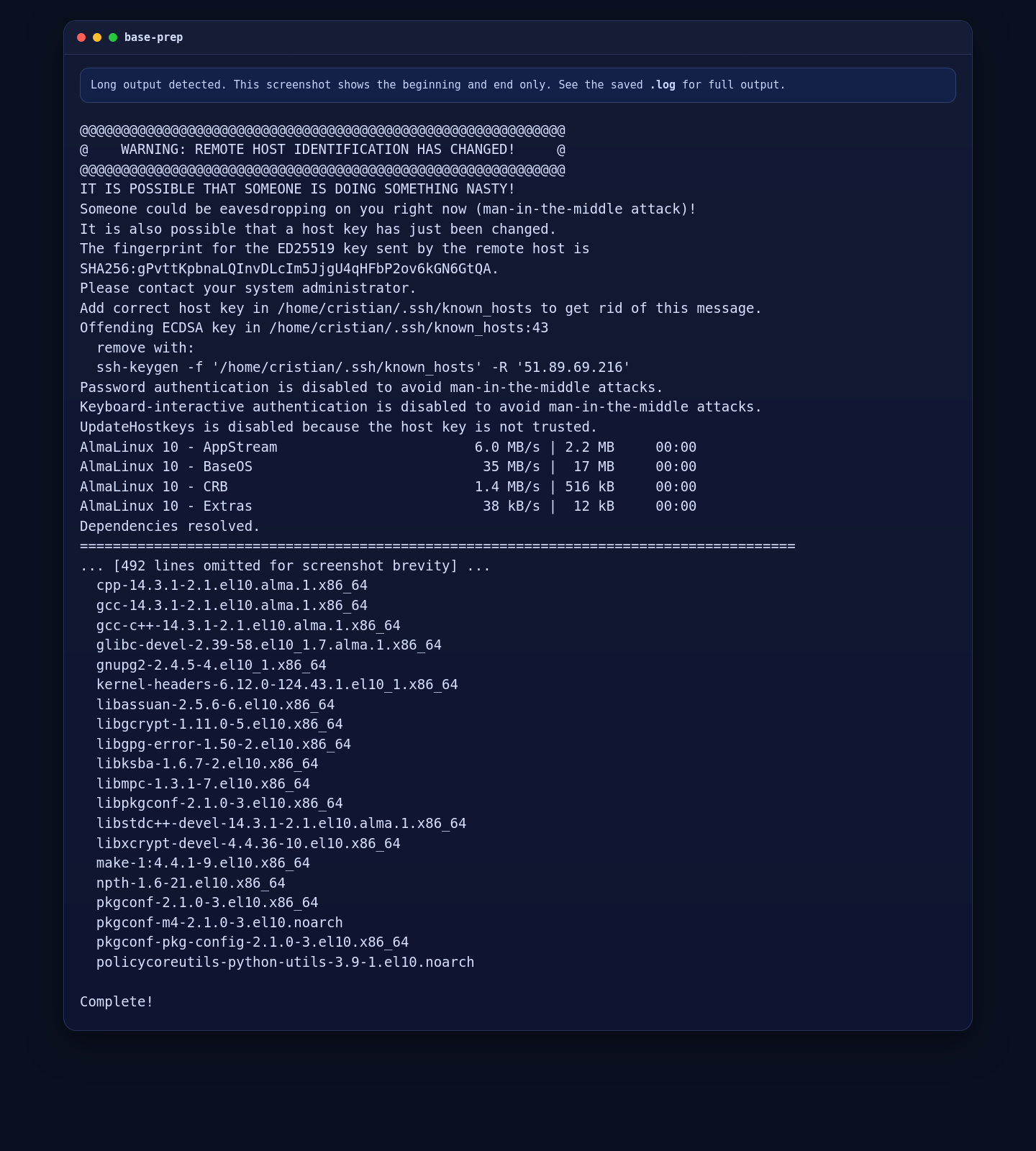
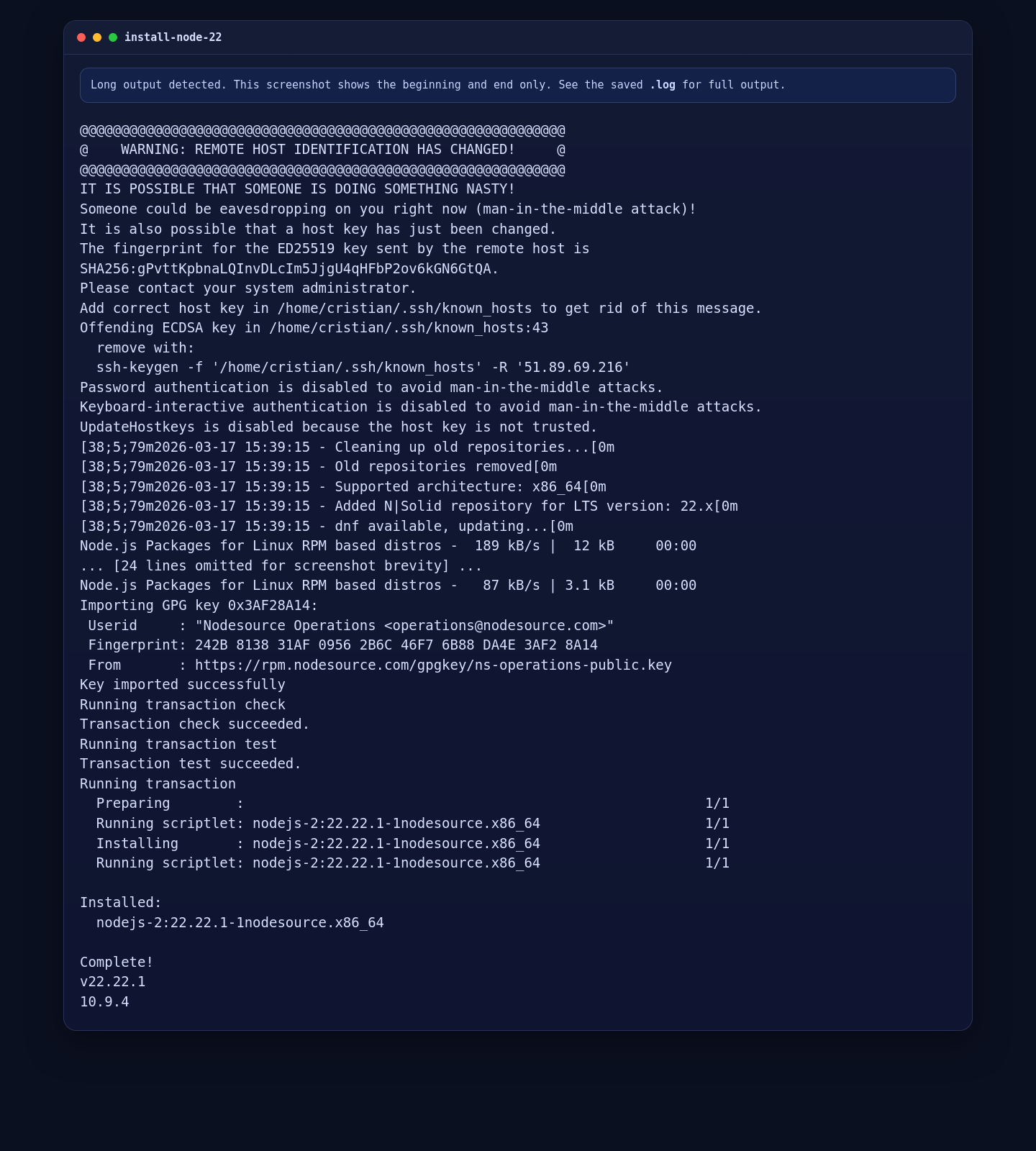
3. Install Node.js 22
The current stable n8n package advertises a Node engine requirement of >=22.16. Because of that, the correct install path on AlmaLinux 10 is to add the upstream NodeSource repository for Node 22 and install from there.
curl -fsSL https://rpm.nodesource.com/setup_22.x | bash -
dnf -y install nodejs
node --version
npm --version
On this server, that resulted in:
- Node.js
v22.22.1 - npm
10.9.4
4. Install n8n 2.12.2 Globally
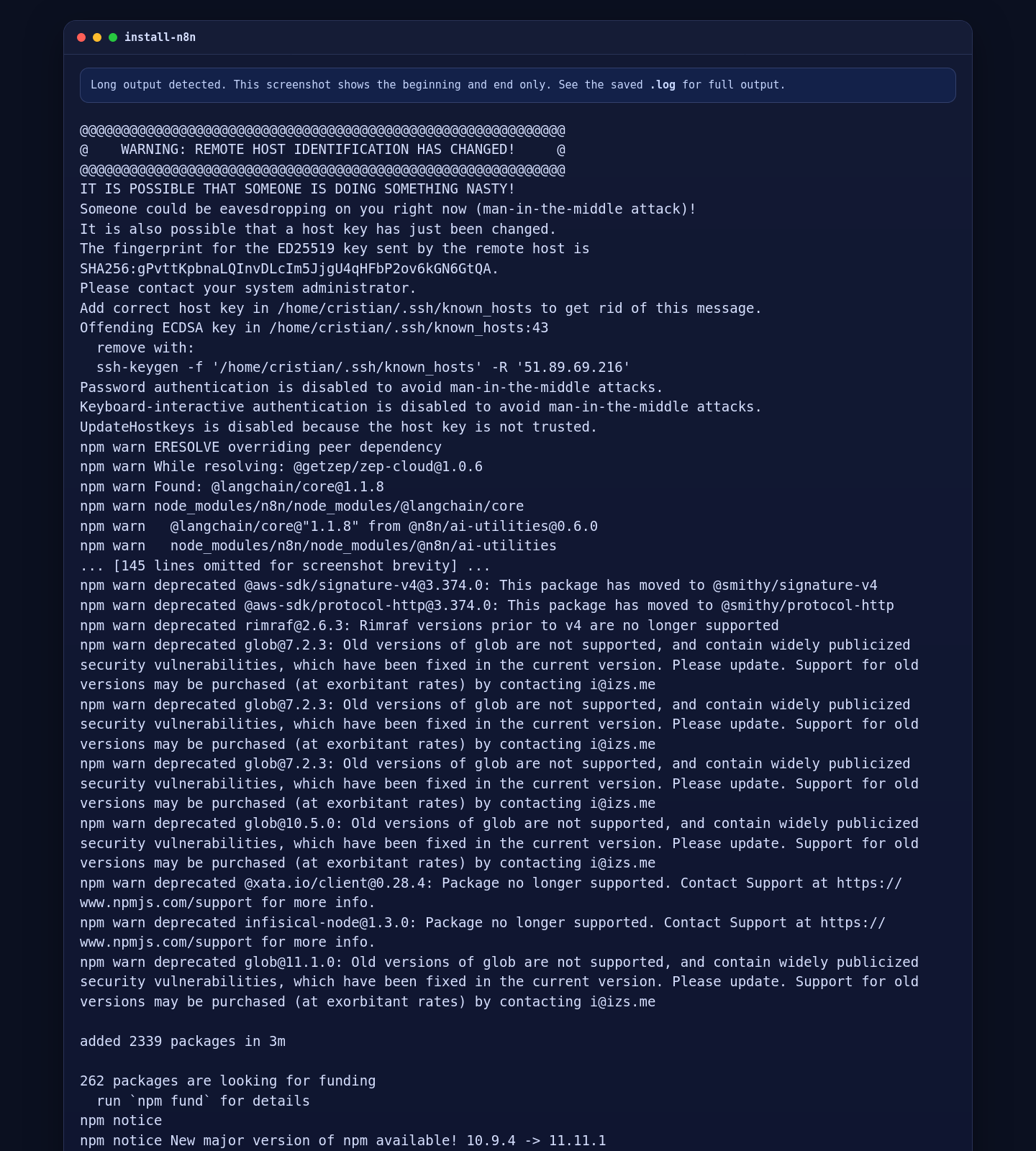
With the runtime in place, install the current stable n8n release globally through npm:
npm install -g n8n@2.12.2
command -v n8n
n8n --version
On the live Shape.Host AlmaLinux VM, the installed CLI reported 2.12.2 and the binary path resolved to /usr/bin/n8n.
5. Create the n8n Service and Reverse Proxy on AlmaLinux 10
For a cleaner production-style setup, create a dedicated n8n system user, write a systemd unit, install Nginx and Certbot, create the Nginx virtual host, and handle AlmaLinux-specific SELinux and firewalld rules.
dnf -y install epel-release || true
dnf -y install nginx certbot python3-certbot-nginx policycoreutils-python-utils

getent group n8n || groupadd --system n8n
id -u n8n >/dev/null 2>&1 || useradd --system --gid n8n --home-dir /var/lib/n8n --create-home --shell /usr/sbin/nologin n8n
mkdir -p /var/lib/n8n/.n8n
chown -R n8n:n8n /var/lib/n8n

cat >/etc/systemd/system/n8n.service <<'EOF'
[Unit]
Description=n8n workflow automation
After=network-online.target
Wants=network-online.target

[Service]
Type=simple
User=n8n
Group=n8n
WorkingDirectory=/var/lib/n8n
Environment=HOME=/var/lib/n8n
Environment=N8N_USER_FOLDER=/var/lib/n8n/.n8n
Environment=N8N_HOST=tutorials.shape.host
Environment=N8N_PORT=5678
Environment=N8N_PROTOCOL=http
Environment=N8N_LISTEN_ADDRESS=127.0.0.1
Environment=N8N_EDITOR_BASE_URL=http://tutorials.shape.host/
Environment=WEBHOOK_URL=http://tutorials.shape.host/
Environment=N8N_SECURE_COOKIE=false
ExecStart=/usr/bin/n8n start
Restart=always
RestartSec=5

[Install]
WantedBy=multi-user.target
EOF

cat >/etc/nginx/conf.d/n8n.conf <<'EOF'
server {
    listen 80;
    listen [::]:80;
    server_name tutorials.shape.host;

    client_max_body_size 20m;

    location / {
        proxy_pass http://127.0.0.1:5678;
        proxy_http_version 1.1;
        proxy_set_header Upgrade $http_upgrade;
        proxy_set_header Connection "upgrade";
        proxy_set_header Host $host;
        proxy_set_header X-Real-IP $remote_addr;
        proxy_set_header X-Forwarded-For $proxy_add_x_forwarded_for;
        proxy_set_header X-Forwarded-Proto $scheme;
        proxy_set_header X-Forwarded-Host $host;
        proxy_set_header X-Forwarded-Port $server_port;
        proxy_cache_bypass $http_upgrade;
    }
}
EOF

rm -f /etc/nginx/conf.d/default.conf || true
setsebool -P httpd_can_network_connect 1

if systemctl is-enabled --quiet firewalld 2>/dev/null || systemctl is-active --quiet firewalld 2>/dev/null; then
    firewall-cmd --permanent --add-service=http
    firewall-cmd --permanent --add-service=https
    firewall-cmd --reload
fi

systemctl daemon-reload
systemctl enable --now n8n nginx
nginx -t
systemctl reload nginx
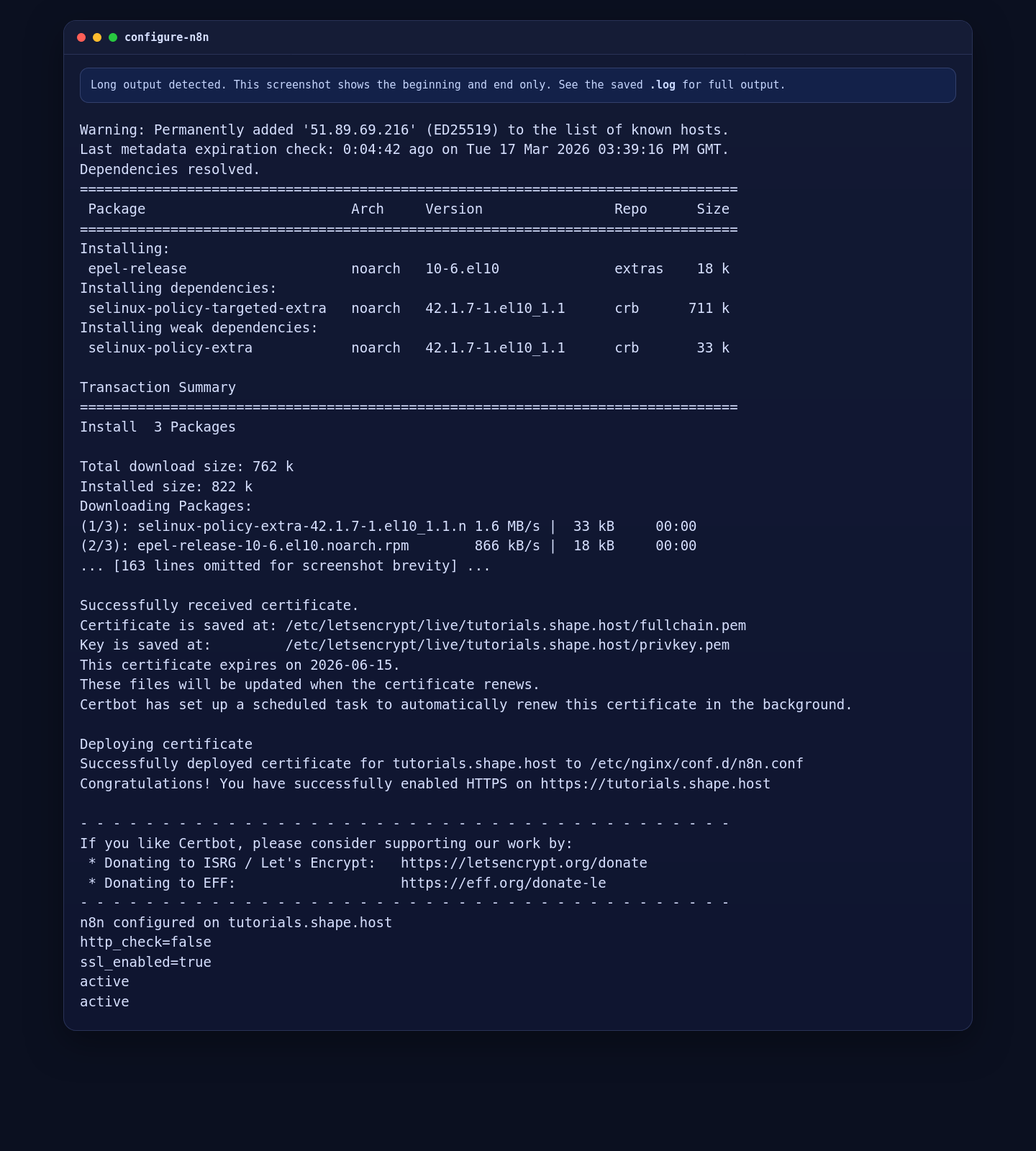
The SELinux change is important on AlmaLinux because Nginx otherwise cannot proxy to the n8n process on localhost. If firewalld is active, the HTTP and HTTPS services must also be opened before public validation will work.
6. Secure the Deployment with Let’s Encrypt
Once the HTTP virtual host is live and the domain resolves publicly, request and deploy the certificate with Certbot:
certbot --nginx --non-interactive --agree-tos -m contact@shape.host -d tutorials.shape.host --redirectAfter the certificate is issued, update the n8n service so the application advertises its public HTTPS URL and switches secure cookies on:
sed -i 's#N8N_PROTOCOL=http#N8N_PROTOCOL=https#' /etc/systemd/system/n8n.service
sed -i 's#N8N_EDITOR_BASE_URL=http://tutorials.shape.host/#N8N_EDITOR_BASE_URL=https://tutorials.shape.host/#' /etc/systemd/system/n8n.service
sed -i 's#WEBHOOK_URL=http://tutorials.shape.host/#WEBHOOK_URL=https://tutorials.shape.host/#' /etc/systemd/system/n8n.service
sed -i 's#N8N_SECURE_COOKIE=false#N8N_SECURE_COOKIE=true#' /etc/systemd/system/n8n.service
systemctl daemon-reload
systemctl restart n8n
On this deployment, Certbot issued a certificate for tutorials.shape.host with an expiry date of 2026-06-15.
7. Verify the Installed Versions and Service State
Use the following commands to verify the final application state on AlmaLinux 10:
node --version
npm --version
command -v n8n
n8n --version
nginx -v
systemctl is-active n8n nginx
certbot certificates
curl -I -H "Host: tutorials.shape.host" http://127.0.0.1/
curl -I https://tutorials.shape.host/
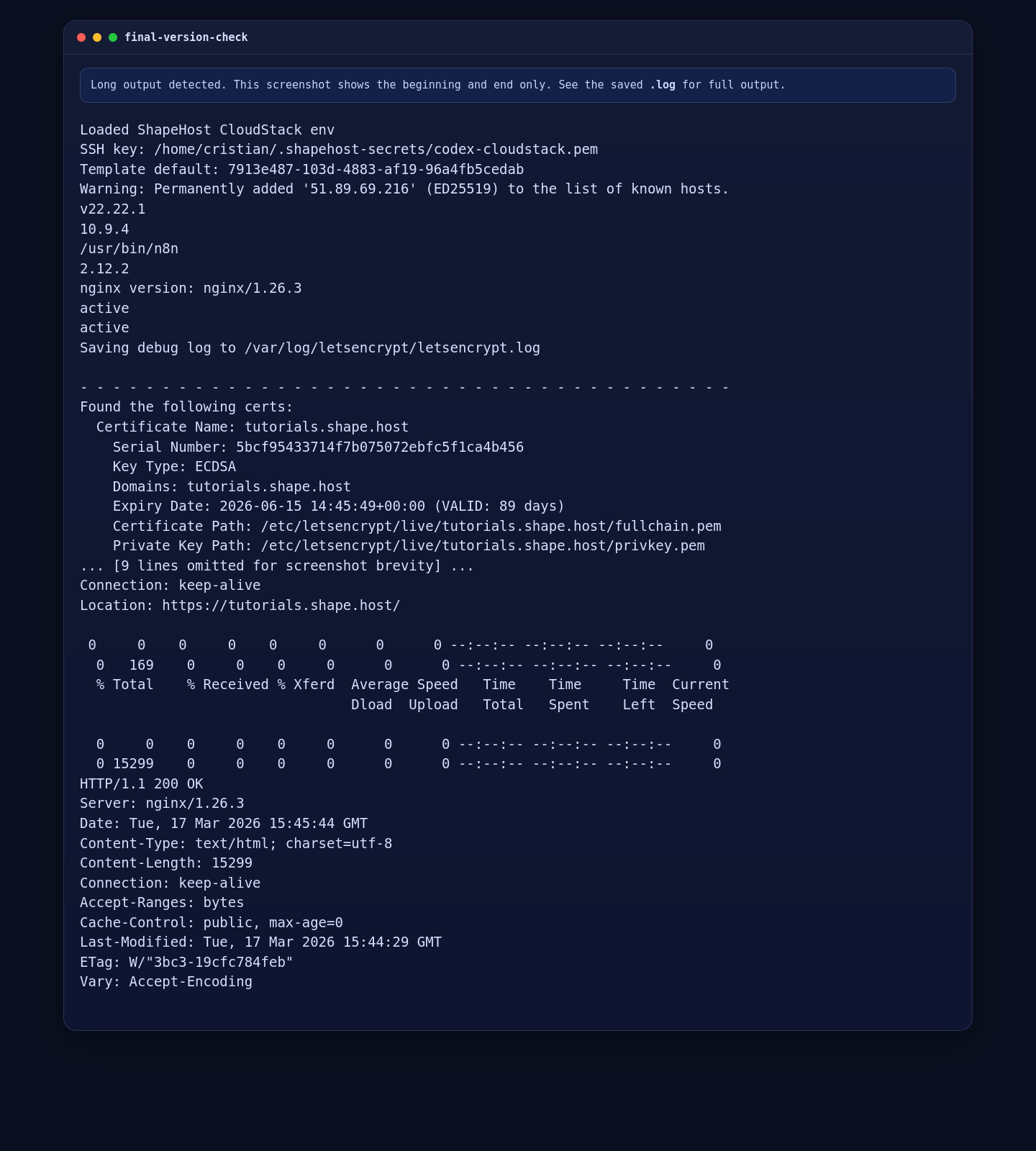
On this Shape.Host deployment, the final validation showed:
- Node.js 22.22.1
- npm 10.9.4
- n8n 2.12.2
- Nginx 1.26.3
- n8n active
- Nginx active
- An HTTP redirect to HTTPS on
tutorials.shape.host - A final external
200 OKresponse over HTTPS
Troubleshooting Notes
- If
npm install -g n8nfails, verify the Node.js version first. The current stable n8n release requires Node>=22.16. - If Nginx returns a
502 Bad Gateway, check that then8nservice is active and that SELinux hashttpd_can_network_connectenabled. - If the public site stays unreachable, verify that
tutorials.shape.hoststill resolves to the VM IP and thatfirewalldallows HTTP and HTTPS. - If you want production-grade scaling later, move beyond the default SQLite-backed setup and review n8n’s PostgreSQL and worker deployment options.
Conclusion
You now have a working n8n installation on AlmaLinux 10 with Node.js 22, a dedicated systemd service, an Nginx reverse proxy, SELinux and firewall adjustments, and a live Let’s Encrypt certificate on tutorials.shape.host. On this verified Shape.Host deployment, the final application version was n8n 2.12.2.
From here, the next sensible steps are creating your administrator account, reviewing n8n’s security settings, deciding whether to stay with the default SQLite storage or move to PostgreSQL, and building your first production workflows on top of this HTTPS-enabled base.
