ionCube Loader on Rocky Linux 9 — Secure PHP Code Execution for Enterprise Environments
ionCube Loader is a PHP extension that enables servers to run encoded or obfuscated PHP code. It is widely used for deploying commercial or proprietary applications that were compiled using the ionCube Encoder. On Rocky Linux 9, a community-driven, RHEL 9-compatible distribution, ionCube Loader fits naturally into enterprise and production-grade hosting environments.
Purpose of ionCube Loader
The ionCube Loader decodes and executes encrypted .php or .inc files at runtime. This allows:
- Software vendors to distribute protected source code
- Developers to enforce license constraints (domain/IP/time-based)
- Enterprises to deploy proprietary PHP applications securely
It’s commonly required for applications like WHMCS, ClientExec, and other licensed billing or automation tools.
Compatibility with Rocky Linux 9
Rocky Linux 9 uses PHP 8.1 as the default in the AppStream repository. Additional versions (PHP 8.0, 8.2, etc.) can be enabled using the Remi repository, which is commonly used in RHEL-based distributions.
| Component | Compatibility Details |
|---|---|
| PHP Versions | PHP 8.0 – 8.2 supported (as of mid-2025); PHP 8.3 not supported |
| ionCube Loader | Version 13.0+ supports PHP 8.2, available as 64-bit binary only |
| Web Server | Compatible with Apache 2.4 (mod_php or PHP-FPM) and Nginx |
| OS Architecture | x86_64 only (no ARM support) |
| System Integration | Compatible with SELinux (enforcing mode) and systemd |
Rocky Linux 9’s enterprise focus and long-term support (through 2032) make it ideal for hosting long-lived PHP apps that depend on ionCube.
Typical Use Cases
- Web hosting providers offering licensed software on shared or VPS infrastructure
- Agencies delivering encrypted PHP products to clients
- SaaS providers deploying tenant-isolated encrypted apps
- Internal tools that need to protect proprietary business logic
Technical Behavior
- No source code exposure: Decryption occurs in memory only
- Transparent execution: No code changes needed to run encoded files
- Supports CLI: Useful for encoded cron jobs or command-line PHP scripts
- Compatible with OPcache: Though OPcache cannot cache encoded files, it coexists with Loader
You can configure the loader through /etc/php.d/, or using zend_extension directives in php.ini per SAP (Server API: CLI, FPM, Apache).
Security Integration
Rocky Linux 9 features SELinux in enforcing mode by default, which works well with ionCube Loader after setting the correct policies or allowing file access where needed.
| Security Layer | Behavior with ionCube Loader |
|---|---|
| SELinux | Enforcing, requires proper context for encoded files and loader |
| Systemd | Allows service isolation for PHP-FPM, Apache, and Nginx |
| HTTPS/SSL | Fully compatible (recommended when serving encoded web apps) |
| AppArmor | Not enabled by default on RHEL-like systems |
ionCube Loader does not bypass or weaken native security models—it complements secure PHP deployments.
PHP Loader Build Options
When downloading ionCube Loader for Rocky Linux 9, make sure you select the correct ZTS (Thread-Safe) or non-ZTS version that matches your PHP build. You can check this using:
php -i | grep -i thread
Alternatives to ionCube Loader
| Feature | ionCube Loader | SourceGuardian | Zend Guard (EOL) |
|---|---|---|---|
| PHP Support | 5.6 – 8.2 (v13.0+) | 5.6 – 8.2 | ≤ PHP 5.6 only |
| Runtime Decryption | In-memory | In-memory | In-memory |
| License Enforcement | Yes (built-in) | Yes | Yes |
| Loader Availability | Free, binary only | Free, binary only | Deprecated |
ionCube remains the most widely adopted and consistently updated solution for encrypted PHP distribution.
Common Applications Requiring ionCube Loader
| Application | Function |
|---|---|
| WHMCS | Web hosting automation and billing |
| Blesta | Client management and billing |
| ClientExec | Web hosting automation platform |
| BoxBilling | Lightweight billing and support system |
| Commercial Plugins | Proprietary CMS/CRM extensions |
Running ionCube Loader on Rocky Linux 9 provides a stable, secure, and high-performance platform for commercial or encrypted PHP applications. It offers:
- Long-term stability with RHEL-like lifecycle
- SELinux-enforced security
- Seamless compatibility with Apache, Nginx, PHP-FPM
- Reliable runtime for PHP 8.0, 8.1, and 8.2 applications
This makes Rocky Linux 9 an ideal host for software vendors, commercial hosting platforms, and enterprise developers needing secure PHP code execution in a predictable environment.
Step 1: Set Up a Rocky Linux 9 Server with Shape.Host
To get started, you’ll need a Rocky Linux 9 VPS. Here’s how to deploy one on Shape.Host:
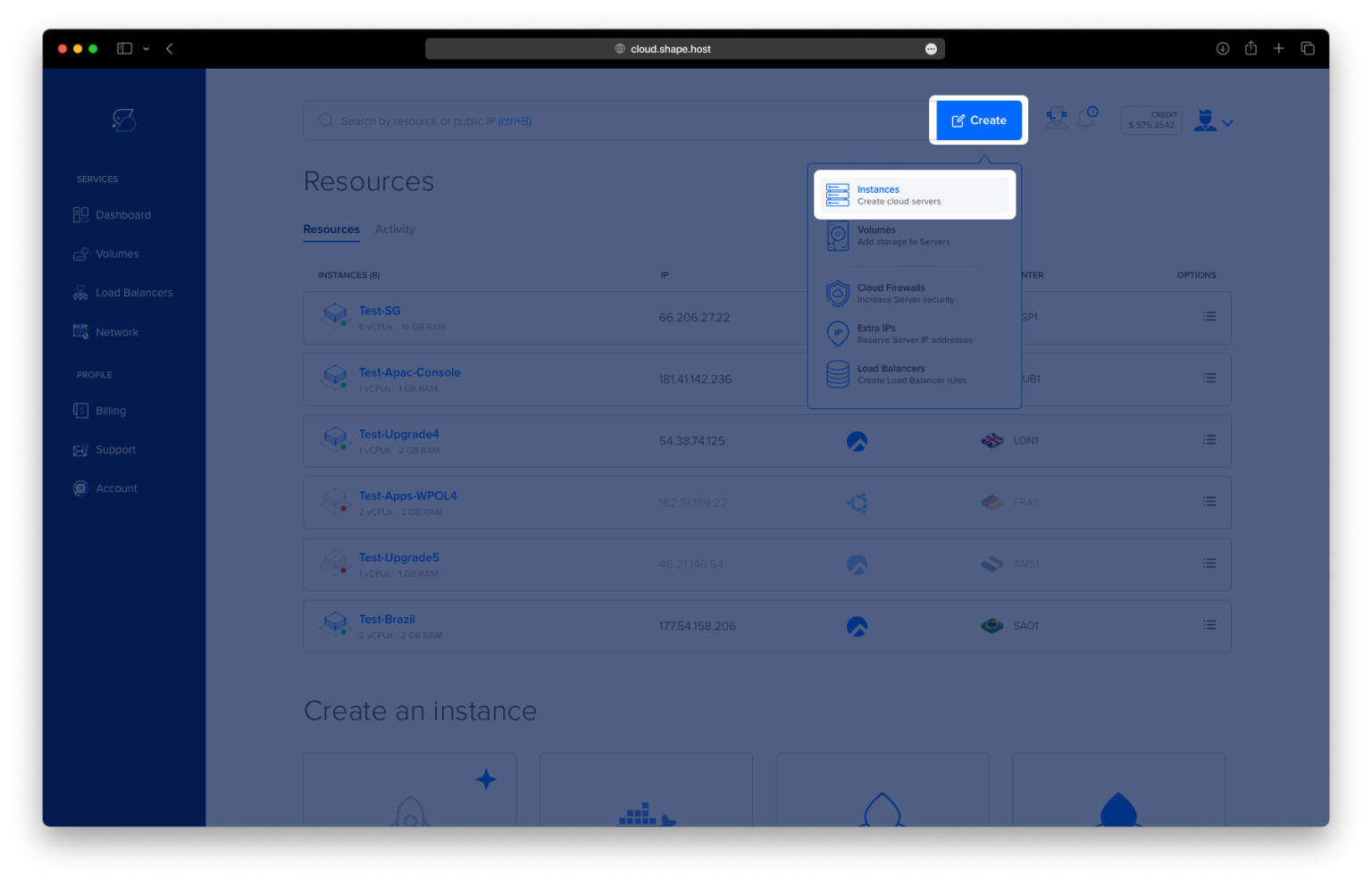
Go to https://shape.host and log in.
Click “Create”, then choose “Instance”.
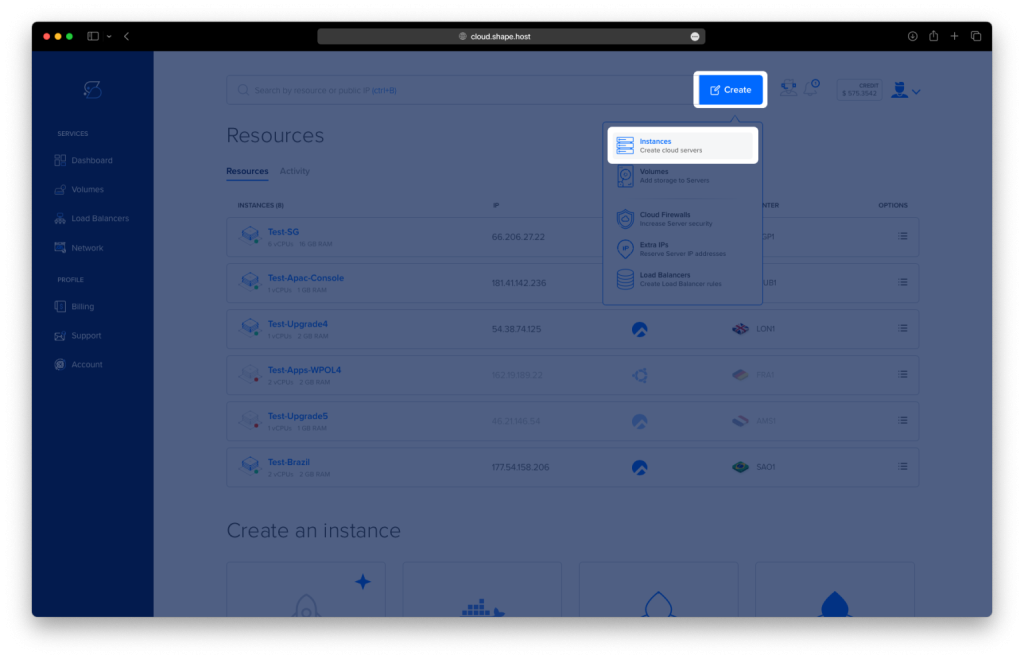
Select a server location near your target audience.
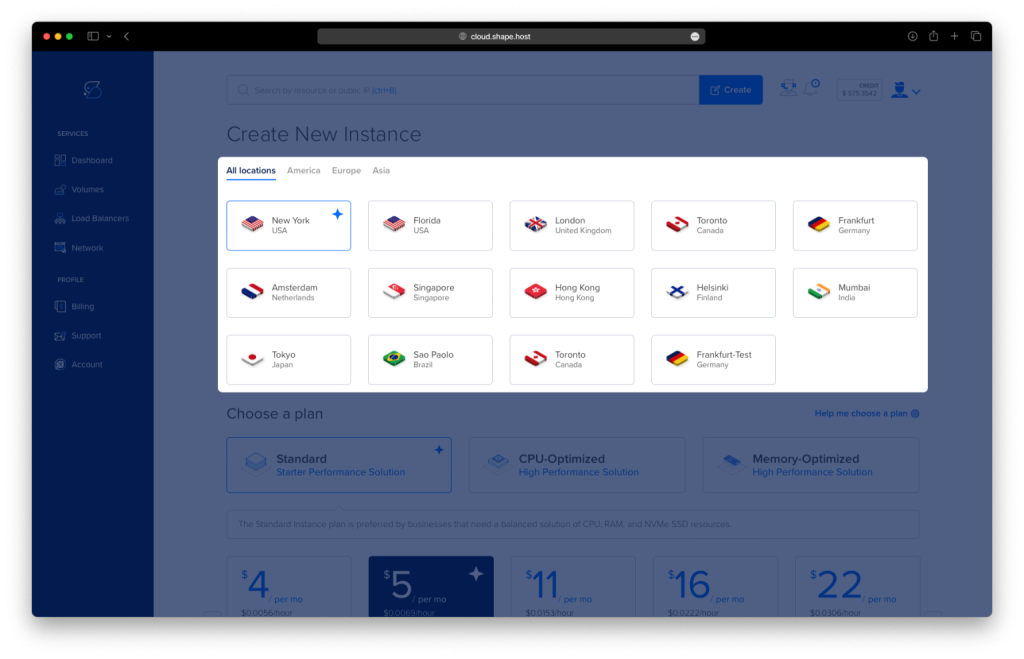
Choose Rocky Linux 9 (64-bit) as the operating system.
Pick a plan with at least 2 CPUs, 2 GB RAM, and 20 GB SSD.
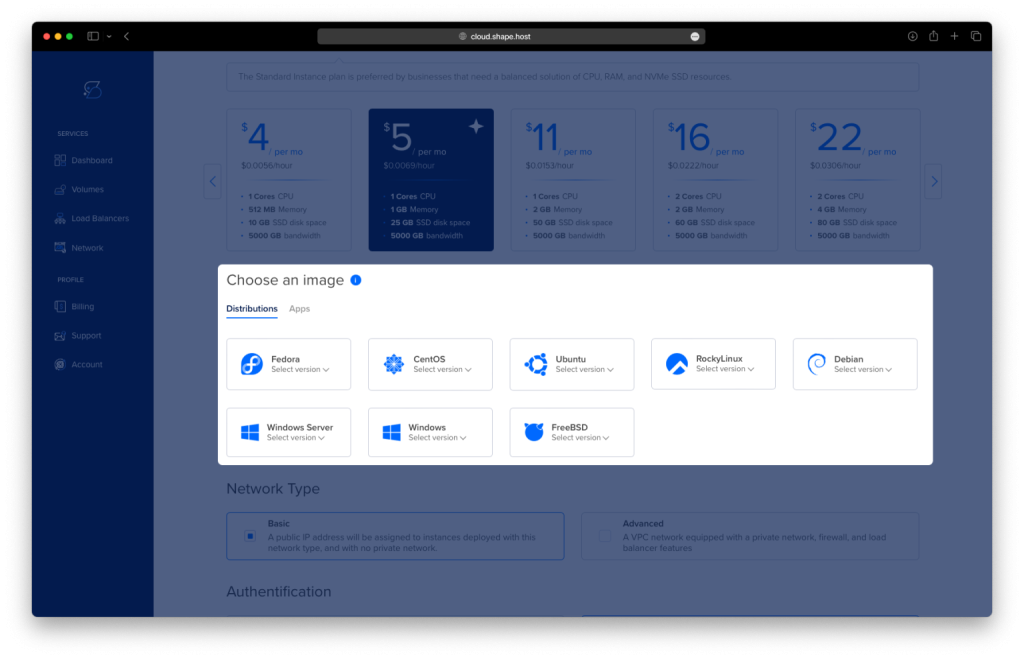
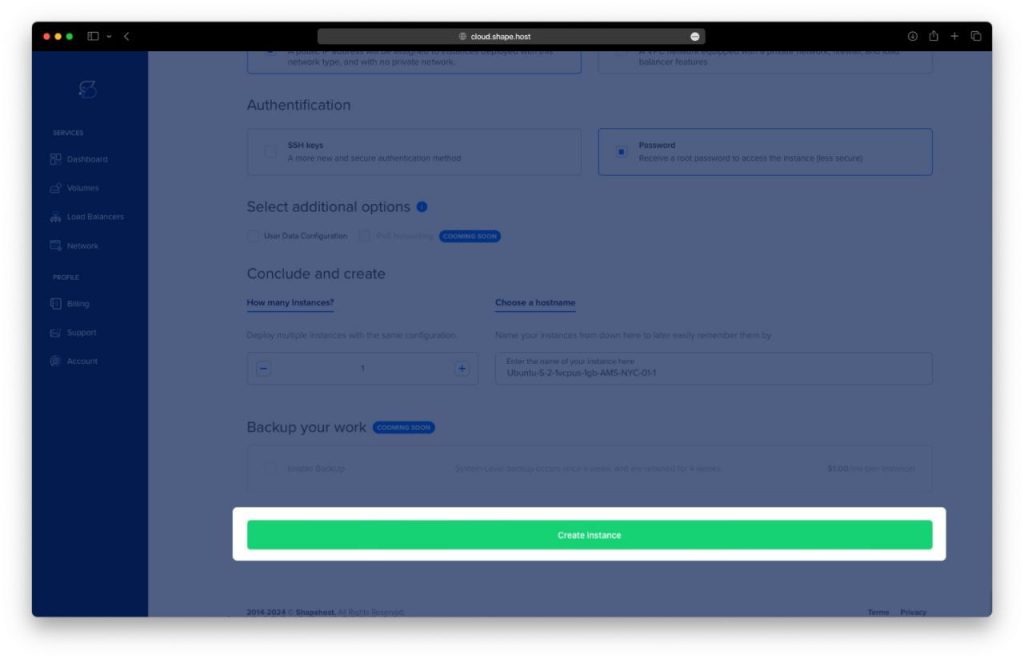
Click “Create Instance”.
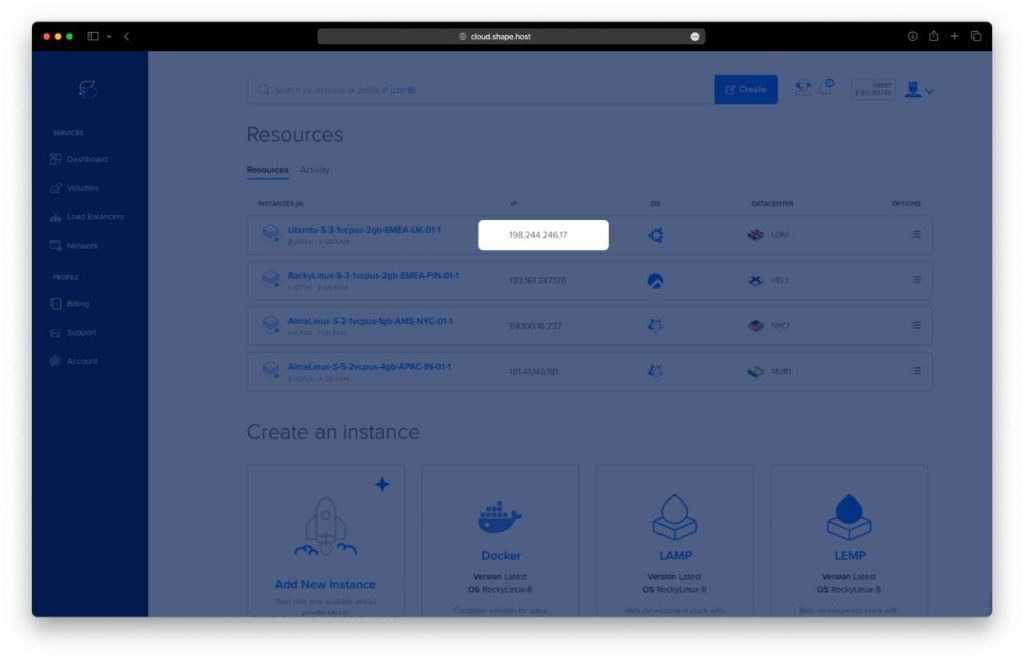
After creation, note the IP address and root credentials.
Step 2: Connect to Your Server via SSH
On Linux/macOS:
ssh root@your-server-ip
On Windows:
Use PuTTY, enter your IP as root@your-server-ip, and click Open.
Step 3: Install PHP 8.1 and Apache Web Server
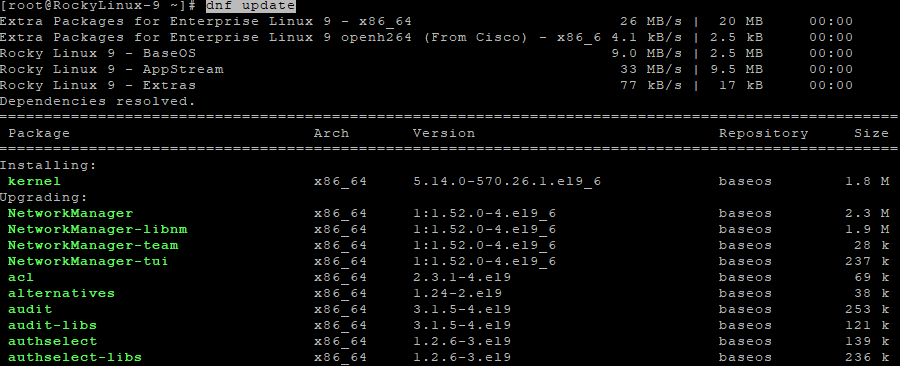
3.1 Update System Packages
dnf update
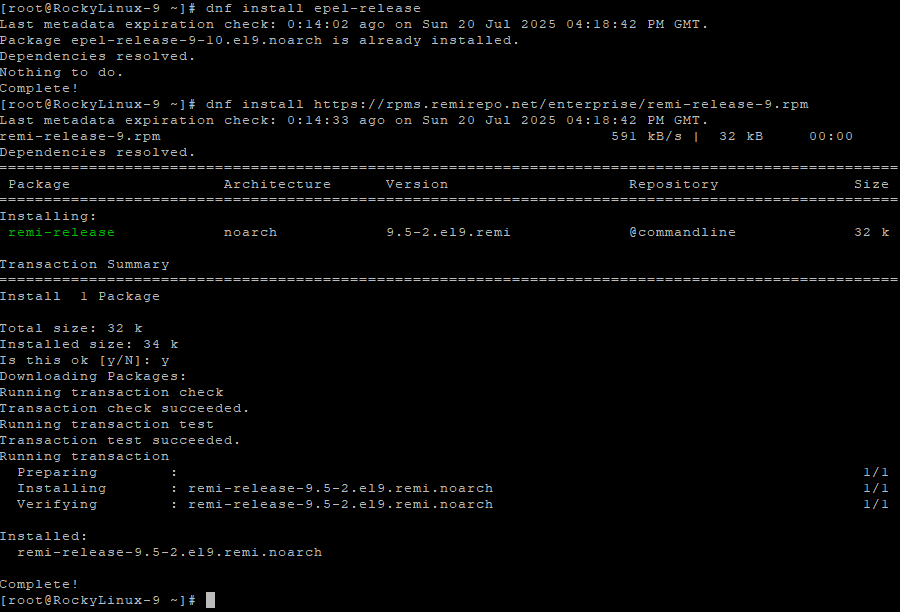
3.2 Install Required Repositories
dnf install epel-release
dnf install https://rpms.remirepo.net/enterprise/remi-release-9.rpm
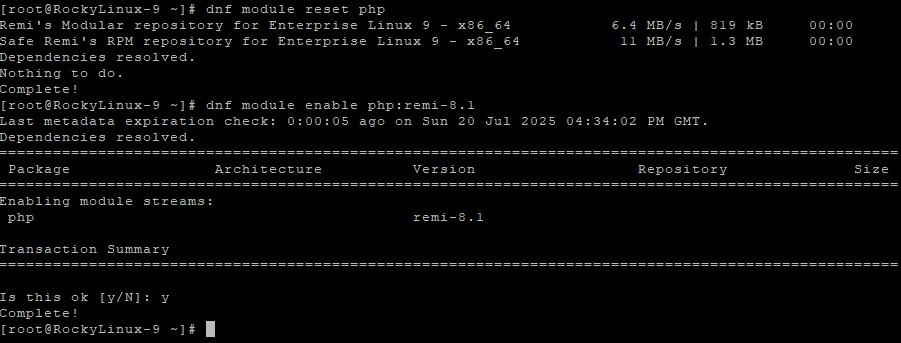
3.3 Enable PHP 8.1 from Remi Repo
dnf module reset php
dnf module enable php:remi-8.1
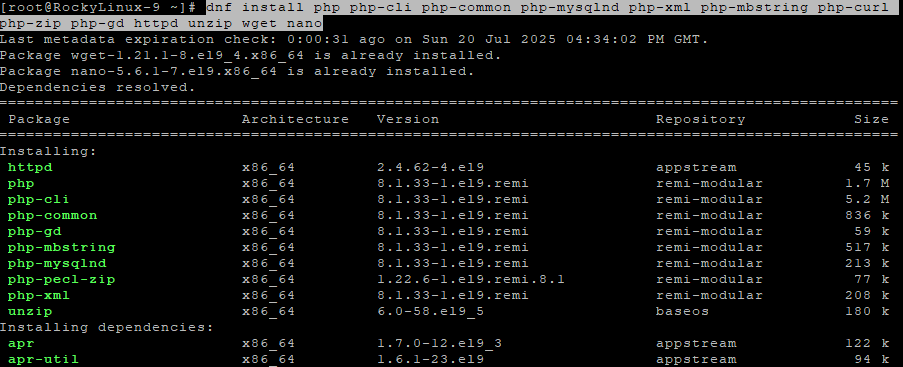
3.4 Install PHP 8.1, Apache, and Extensions
dnf install php php-cli php-common php-mysqlnd php-xml php-mbstring php-curl php-zip php-gd httpd unzip wget nano
3.5 Enable and Start Apache
systemctl enable httpd
systemctl start httpd

Step 4: Install ionCube Loader
4.1 Locate PHP Extension Directory
php -i | grep extension_dir
Typical output:
/usr/lib64/php/modules
Take note of the directory path.

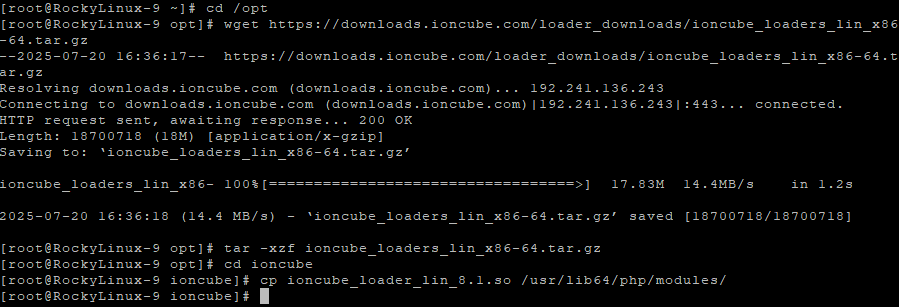
4.2 Download and Extract ionCube Loader
cd /opt
wget https://downloads.ioncube.com/loader_downloads/ioncube_loaders_lin_x86-64.tar.gz
tar -xzf ioncube_loaders_lin_x86-64.tar.gz
cd ioncube
4.3 Copy ionCube Loader to PHP Modules Directory
cp ioncube_loader_lin_8.1.so /usr/lib64/php/modules/
4.4 Create ionCube Configuration File
nano /etc/php.d/00-ioncube.ini
Paste this line:
zend_extension=/usr/lib64/php/modules/ioncube_loader_lin_8.1.so
Save and close.

4.5 Restart Apache
systemctl restart httpd

Step 5: Verify ionCube Loader Installation
5.1 Check PHP Version and ionCube Status
php -v
You should see a line like:
with the ionCube PHP Loader (enabled) ...

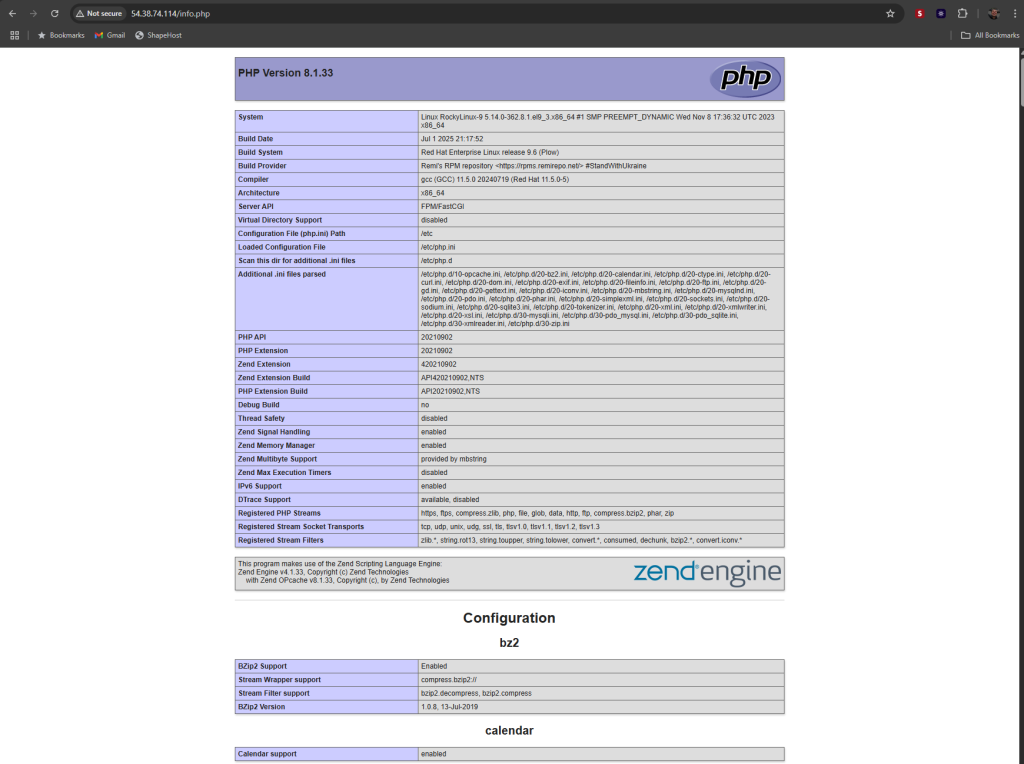
5.2 Create a PHP Info Test File
echo "<?php phpinfo(); ?>" > /var/www/html/info.php
Open in browser:
http://your-server-ip/info.php
Look for the ionCube section to confirm successful installation.
5.3 Clean Up Test Files
rm /var/www/html/info.php
rm -rf /opt/ioncube*

You’ve now successfully installed ionCube Loader on Rocky Linux 9 with PHP 8.1 and Apache. Your server is ready to handle encrypted commercial PHP applications.
For fast and secure Linux SSD VPS hosting with full root access, check out Shape.Host.
Launch your PHP apps on Shape.Host today for maximum performance and flexibility.