PhotoPrism (AI-Powered Photo Manager) on Rocky Linux 9
PhotoPrism is an open-source, self-hosted AI-powered photo and video management platform built to organize, browse, and search large media libraries intelligently. By leveraging machine learning, PhotoPrism can automatically classify images, detect objects and scenes, recognize faces, and extract EXIF/GPS metadata, transforming even massive collections into a fast, searchable visual archive.
Unlike cloud photo services, PhotoPrism runs entirely on your own infrastructure. Your photos and videos never leave your server, making it an ideal solution for privacy-conscious users, photographers, home labs, and organizations that want modern AI features without giving up data ownership.
Running PhotoPrism on Rocky Linux 9, a RHEL-compatible enterprise Linux distribution, delivers long-term stability, predictable updates, and strong security defaults. Combined with Docker, PostgreSQL, Nginx, and HTTPS, Rocky Linux 9 provides a production-grade foundation for a secure, scalable, and maintainable PhotoPrism deployment.
Architecture Overview
| Layer | Component | Role |
|---|---|---|
| OS | Rocky Linux 9 | Enterprise-grade, RHEL-compatible Linux base |
| Container Runtime | Docker / Docker Compose | Runs PhotoPrism and supporting services |
| Application | PhotoPrism (Go + TensorFlow Lite) | AI-powered photo and video management |
| Database | PostgreSQL | Stores metadata, search indexes, and user data |
| Storage | Local filesystem / NAS | Original photos and videos |
| Reverse Proxy | Nginx | HTTPS termination, routing, compression |
| TLS | Let’s Encrypt / PKI | Secure access to the PhotoPrism web interface |
PhotoPrism scales from small personal libraries to very large collections (hundreds of thousands of photos), depending on CPU, RAM, and storage performance.
Why Use PhotoPrism?
- AI-powered search – find photos by objects, scenes, locations, or keywords
- Face recognition – automatically group photos by people
- Privacy-first – fully self-hosted, no cloud dependency
- Modern, responsive UI – smooth experience on desktop and mobile
- Advanced metadata handling – EXIF, GPS, camera info, RAW support
- Video support – manage and preview videos alongside photos
- Multi-user support – shared libraries with access control
- Open-source & actively developed – transparent and extensible
PhotoPrism delivers a Google Photos–like experience while keeping full control of your data.
PhotoPrism vs Other Photo Management Solutions
| Feature / Capability | PhotoPrism | Google Photos | Nextcloud Photos | Piwigo |
|---|---|---|---|---|
| Hosting | Self-hosted | Cloud only | Self-hosted / Cloud | Self-hosted |
| AI search | ✅ Yes | ✅ Yes | ❌ No | ❌ Limited |
| Face recognition | ✅ Yes | ✅ Yes | ❌ No | ❌ No |
| Privacy | Full control | Google-controlled | Partial | Full |
| RAW support | ✅ Yes | Limited | Limited | Limited |
| Cost | Free / Open-source | Free / Paid | Free / Paid | Free / Paid |
PhotoPrism is the best choice for users who want advanced AI features combined with complete data ownership.
Security & Best Practices on Rocky Linux 9
- Run PhotoPrism behind Nginx with HTTPS enabled.
- Keep PhotoPrism and PostgreSQL restricted to internal Docker networks.
- Store secrets (DB passwords, admin credentials) using environment variables.
- Enable SELinux enforcing mode and apply correct Docker volume labels.
- Configure firewalld to allow only ports 80 and 443.
- Automate SSL certificate renewal using Certbot or another ACME client.
- Regularly update Rocky Linux, Docker, and PhotoPrism images.
- Back up:
- original photos and videos
- PostgreSQL database
- PhotoPrism configuration and index
- Mount original photo directories as read-only when possible.
- Create separate user roles and limit admin access.
Typical Use Cases
- Personal photo libraries – replace Google Photos or iCloud Photos
- Family media servers – shared albums with private hosting
- Photographers – manage large RAW and JPEG collections
- Home labs & NAS setups – centralized photo and video management
- Privacy-focused users – AI features without cloud tracking
- Small organizations – internal photo archives and media catalogs
Deploying PhotoPrism on Rocky Linux 9 with Docker, PostgreSQL, Nginx, and SSL gives you a powerful, AI-driven photo management platform that combines modern machine-learning capabilities with enterprise stability, privacy, and long-term reliability.
Create a Rocky Linux 9 Instance on Shape.Host
Go to https://shape.host and log in
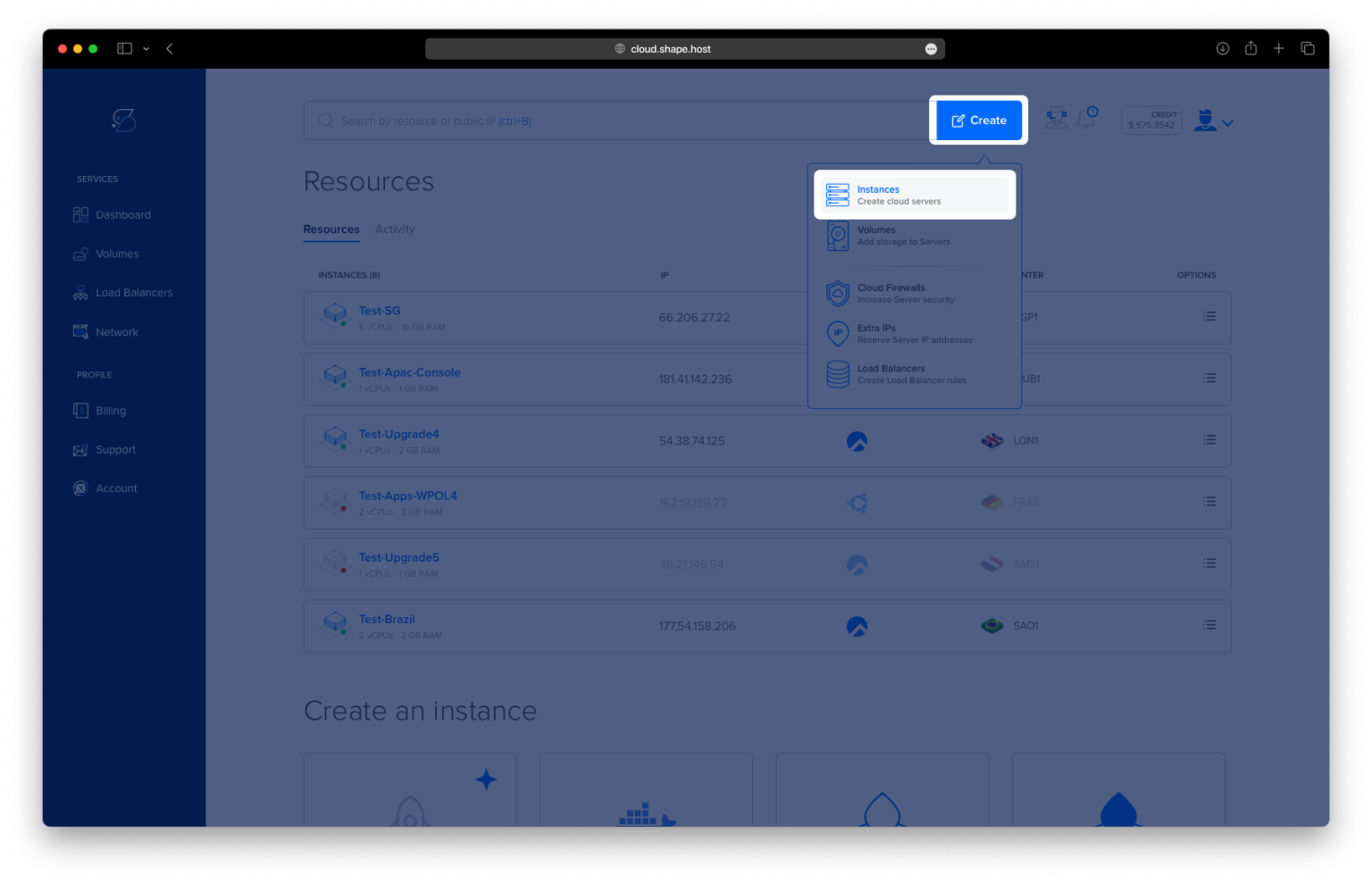
Click Create
Choose Instance
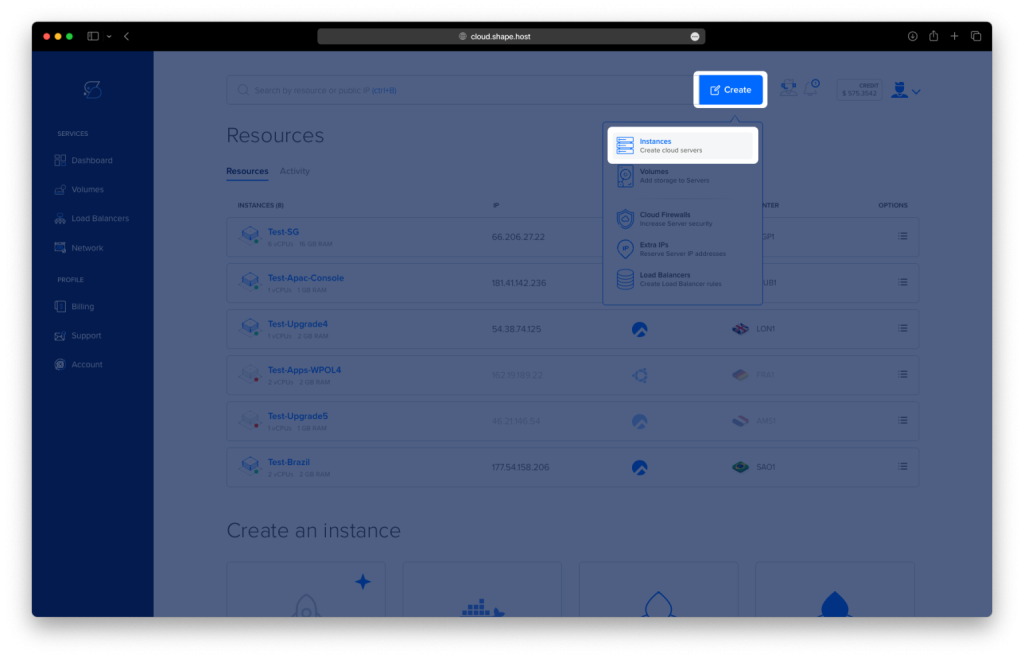
Select a server location
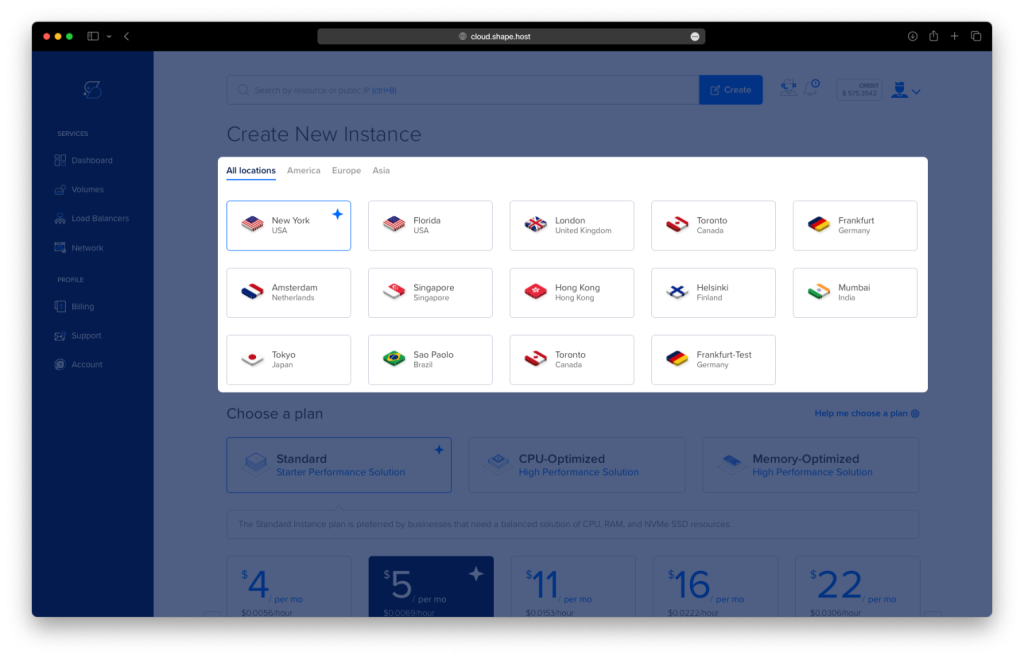
Choose Rocky Linux 9 (64-bit)
Pick a plan (recommended minimum for PhotoPrism):
2 vCPU
4 GB RAM (8 GB recommended for large photo libraries)
40 GB NVMe SSD or more
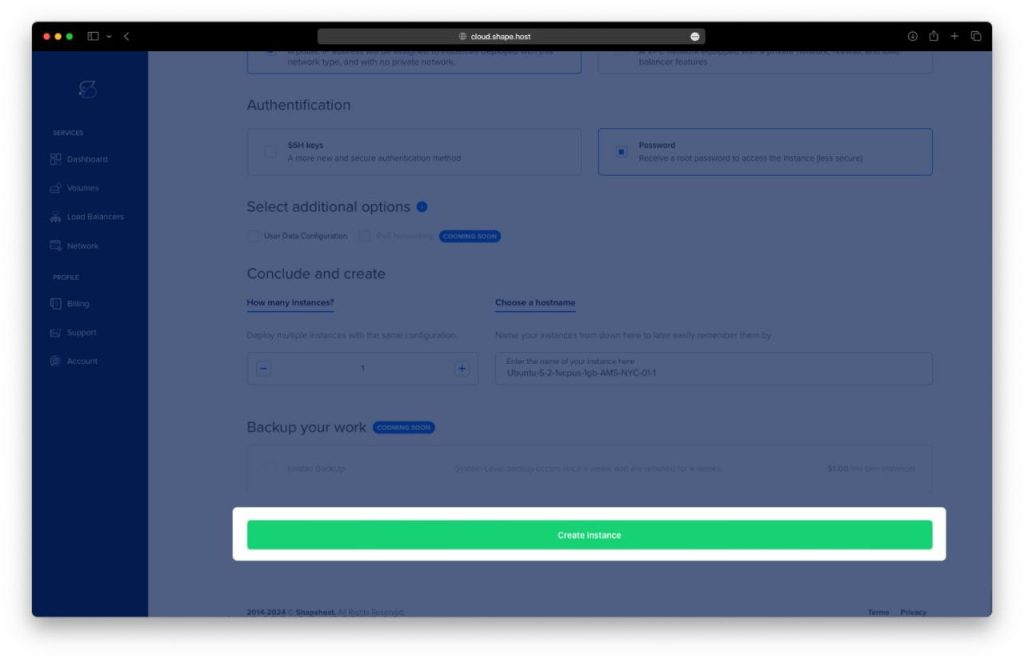
Click Create Instance
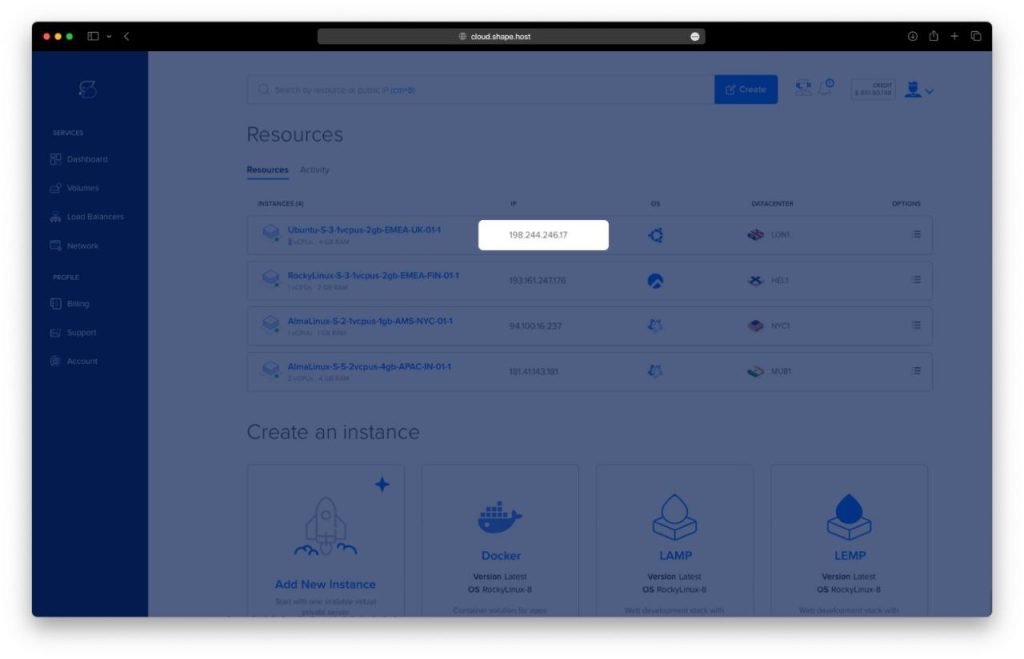
Copy the public IP address
Step 1: Connect to the Server via SSH
From your local machine:
ssh root@YOUR_SERVER_IP
You are now logged in as the root user.
Step 2: Update the System
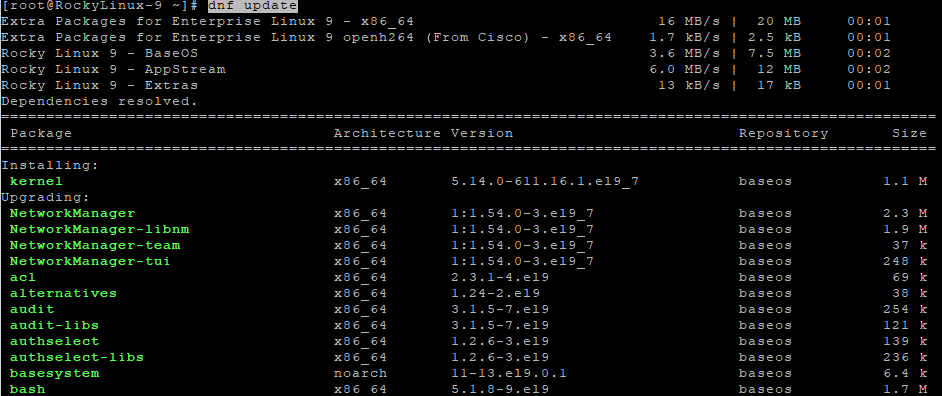
dnf update
Updates all installed packages to the latest versions.
Step 3: Install Required System Packages
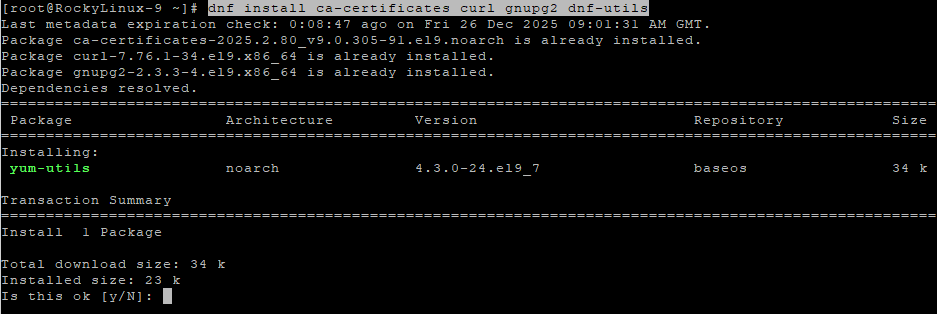
dnf install ca-certificates curl gnupg2 dnf-utils
These packages are required to securely add external repositories and manage Docker dependencies.
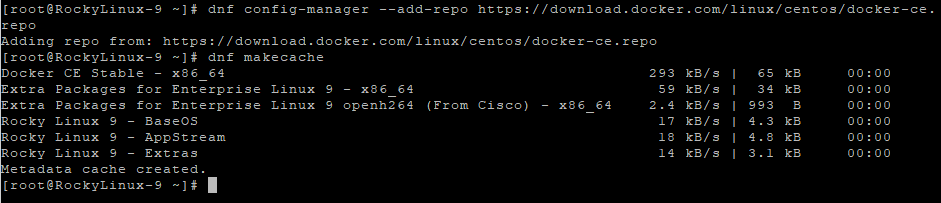
Step 4: Add Docker Repository
dnf config-manager --add-repo https://download.docker.com/linux/centos/docker-ce.repo
Adds the official Docker repository compatible with Rocky Linux 9.
Step 5: Refresh Package Cache
dnf makecache
Loads metadata from the newly added Docker repository.
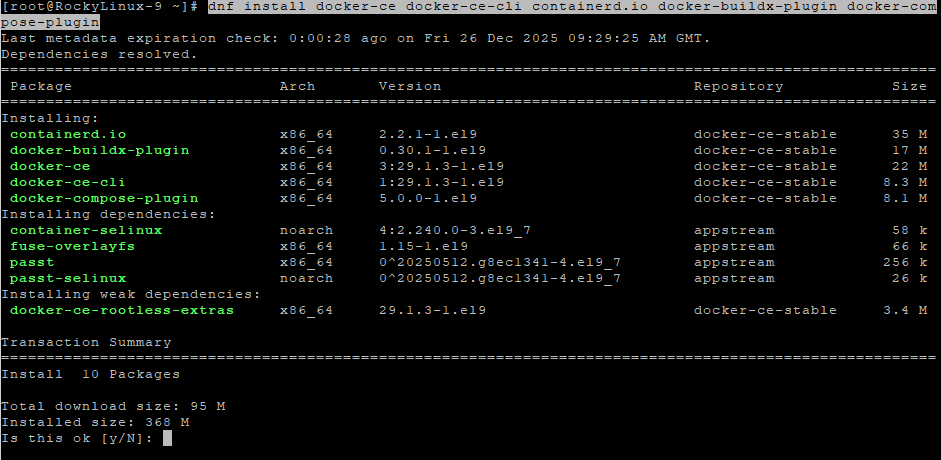
Step 6: Install Docker and Docker Compose
dnf install docker-ce docker-ce-cli containerd.io docker-buildx-plugin docker-compose-plugin
Installs Docker Engine and Docker Compose v2.
Step 7: Enable and Start Docker
systemctl enable docker
systemctl start docker
Ensures Docker starts automatically on system boot.
Step 8: Verify Docker Installation
docker --version
docker compose version
Confirms Docker and Docker Compose are installed correctly.
Step 9: Create PhotoPrism Directory
mkdir -p /opt/photoprism
cd /opt/photoprism
This directory will store PhotoPrism configuration and persistent data.

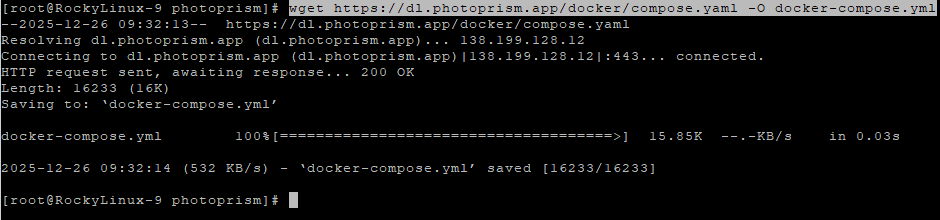
Step 10: Download PhotoPrism Docker Compose Template
wget https://dl.photoprism.app/docker/compose.yaml -O docker-compose.yml
Downloads the official PhotoPrism Docker Compose template.
Step 11: Edit Docker Compose Configuration
nano docker-compose.yml
Adjust the file as follows:
services:
  photoprism:
    image: photoprism/photoprism:latest
    restart: unless-stopped
    ports:
      - "2342:2342"
    environment:
      PHOTOPRISM_ADMIN_PASSWORD: "StrongAdminPasswordHere"
      PHOTOPRISM_ORIGINALS_PATH: "/photoprism/originals"
      PHOTOPRISM_STORAGE_PATH: "/photoprism/storage"
    volumes:
      - /opt/photoprism/originals:/photoprism/originals
      - /opt/photoprism/storage:/photoprism/storage
Explanation:
- The admin password secures the PhotoPrism web interface
- The originals directory stores your photos
- The storage directory contains thumbnails, metadata, and AI indexes
Save and exit the file.
Step 12: Create Required Data Directories
mkdir -p /opt/photoprism/originals
mkdir -p /opt/photoprism/storage
Ensures PhotoPrism data persists across container restarts.
Step 13: Pull PhotoPrism Image
docker compose pull
Downloads the latest PhotoPrism Docker image.
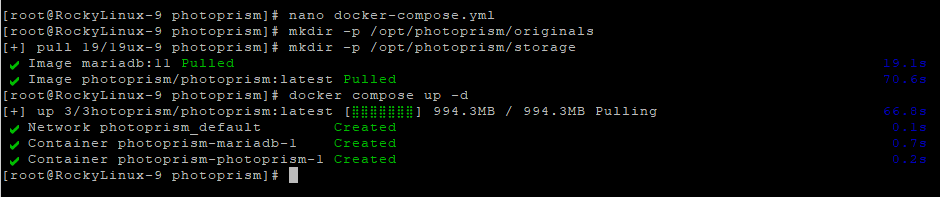
Step 14: Start PhotoPrism
docker compose up -d
Starts PhotoPrism in the background.
Step 15: Verify Running Containers
docker compose ps
Confirms the PhotoPrism container is running.

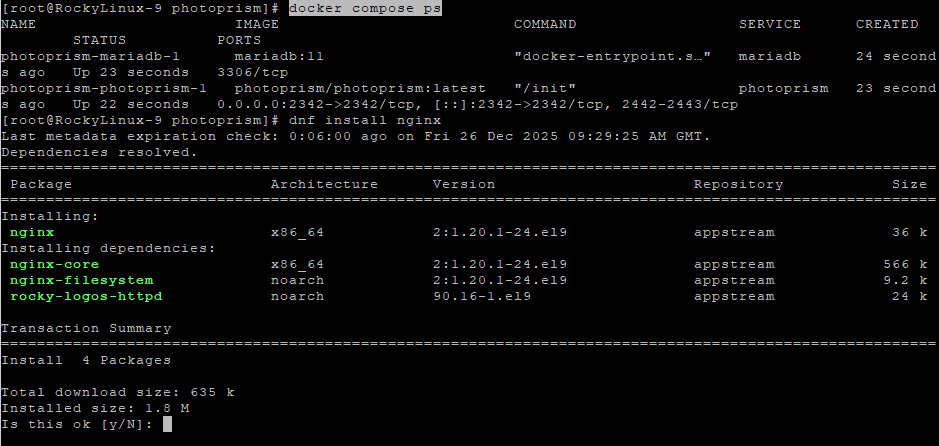
Step 16: Install Nginx
dnf install nginx
Nginx will be used as a reverse proxy.
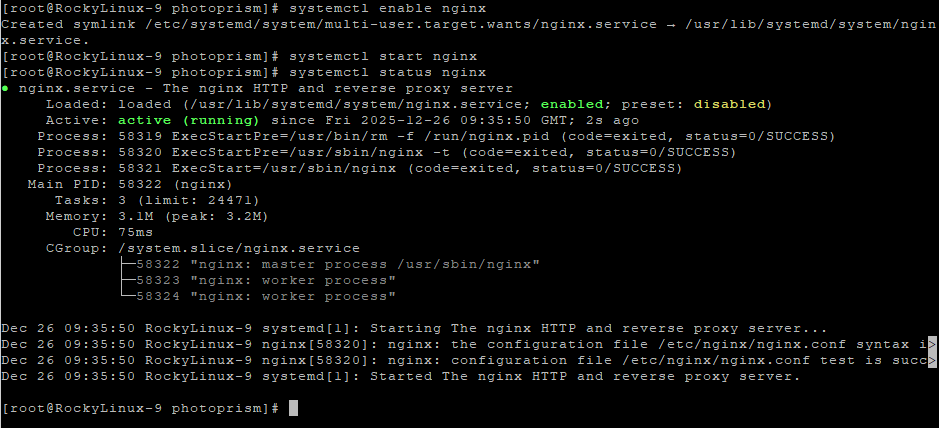
Step 17: Enable and Start Nginx
systemctl enable nginx
systemctl start nginx
systemctl status nginx
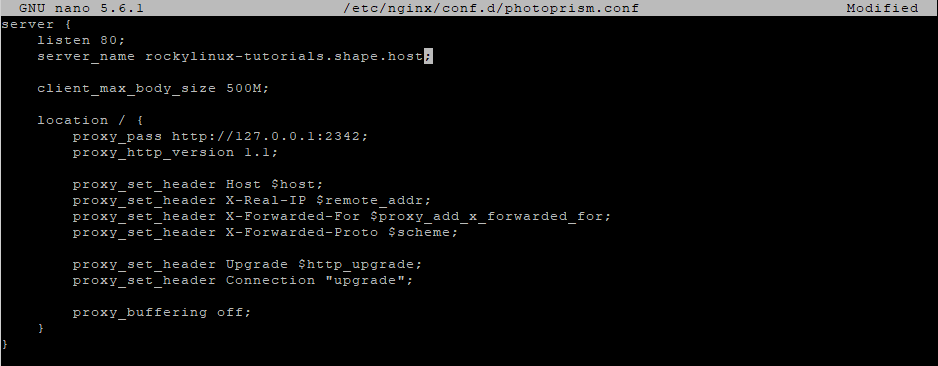
Step 18: Create Nginx Configuration
nano /etc/nginx/conf.d/photoprism.conf
Paste the following configuration:
server {
    listen 80;
    server_name photos.example.com;

    client_max_body_size 500M;

    location / {
        proxy_pass http://127.0.0.1:2342;
        proxy_http_version 1.1;

        proxy_set_header Host $host;
        proxy_set_header X-Real-IP $remote_addr;
        proxy_set_header X-Forwarded-For $proxy_add_x_forwarded_for;
        proxy_set_header X-Forwarded-Proto $scheme;

        proxy_set_header Upgrade $http_upgrade;
        proxy_set_header Connection "upgrade";

        proxy_buffering off;
    }
}
Explanation:
- Allows large photo uploads
- Supports WebSocket connections
- Proxies traffic securely to PhotoPrism
Step 19: Test and Reload Nginx
nginx -t
systemctl reload nginx

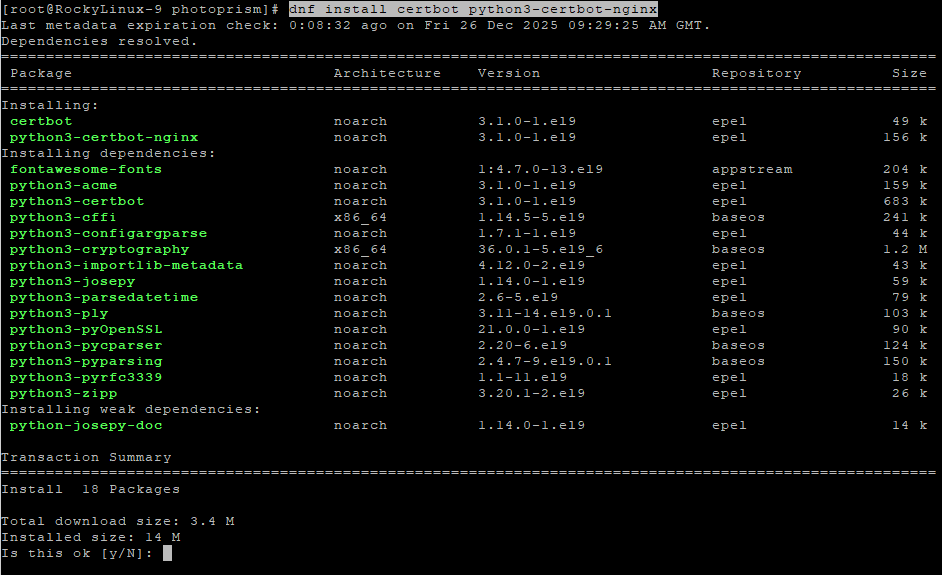
Step 20: Install Certbot for SSL
dnf install epel-release
dnf install certbot python3-certbot-nginx

Step 21: Enable HTTPS
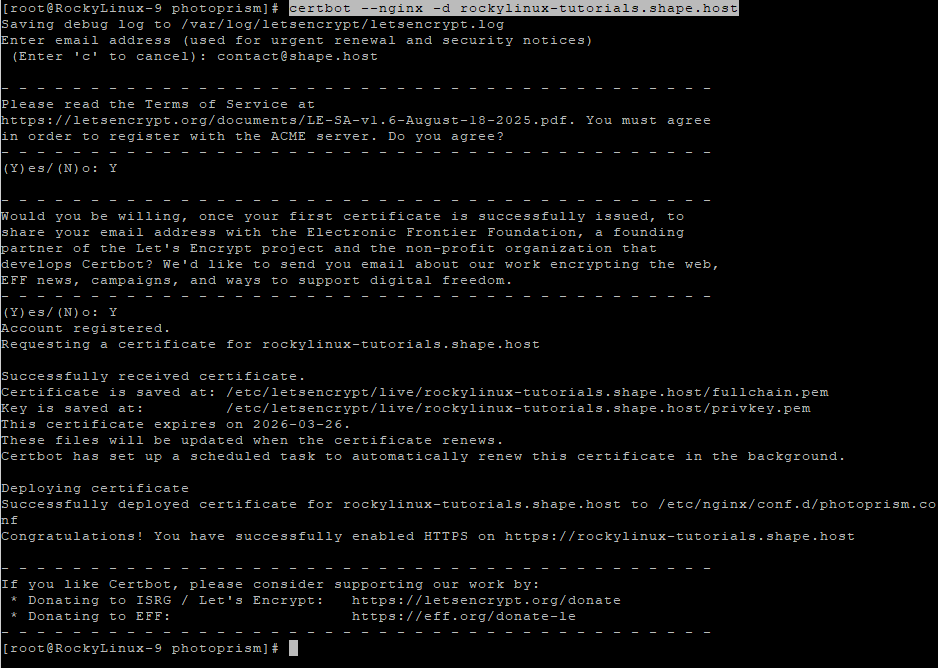
certbot --nginx -d rockylinux-tutorials.shape.host
Certbot automatically configures HTTPS and renewal.
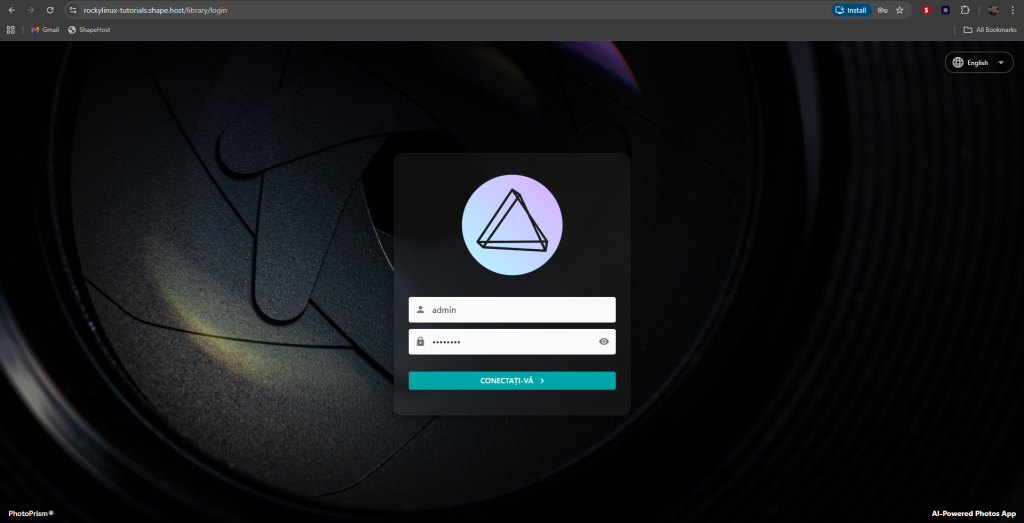
https://yourdomain.com
Log in using the admin password configured in docker-compose.yml.
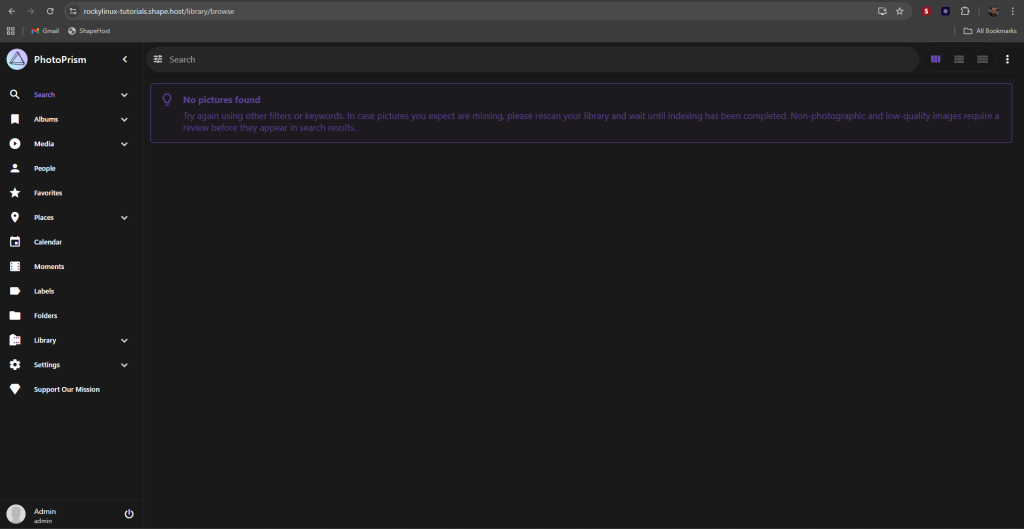
PhotoPrism performs best on fast NVMe storage and reliable CPU resources, especially during AI indexing.
Shape.Host Cloud VPS provides:
- NVMe SSD storage
- Instant Rocky Linux 9 deployments
- Clean, minimal OS images
- Stable networking
- Excellent performance for Docker workloads
Deploy your next self-hosted media platform at https://shape.host.