 Christian Wells
NocoDB (Airtable Alternative) on Rocky Linux 9 (Docker + Nginx + SSL)
NocoDB is an open-source Airtable alternative that transforms any SQL database into a smart spreadsheet interface. It enables users and teams to collaborate, visualize, and manage data without writing a single line of code. Featuring REST and GraphQL APIs, role-based access control, and custom dashboards, NocoDB allows you to build no-code applications, CRMs, project trackers, and internal tools directly on top of your existing database infrastructure.
Running NocoDB on Rocky Linux 9, a RHEL-compatible enterprise-grade operating system, ensures stability, long-term support, and security for production deployments. Using Docker Compose, Nginx, and SSL encryption, Rocky Linux 9 provides a powerful and reliable foundation for hosting your self-managed NocoDB instance with complete data ownership.
Architecture Overview
| Layer | Component | Role |
|---|---|---|
| OS | Rocky Linux 9 | Enterprise-grade, RHEL-compatible Linux distribution |
| Container Runtime | Docker Engine + Compose | Orchestrates NocoDB and its dependencies |
| Application | NocoDB (Node.js) | Web-based spreadsheet interface and backend API service |
| Database | PostgreSQL / MySQL / MariaDB | Stores data, schema, and user configurations |
| Reverse Proxy | Nginx | Manages HTTPS, routing, and compression |
| TLS | Let’s Encrypt / PKI | Provides SSL certificates for secure connections |
Why Use NocoDB?
- Open-source Airtable replacement – no SaaS lock-in, full control of your data.
- Spreadsheet-style interface – manage SQL tables easily without SQL knowledge.
- Multi-database support – compatible with MySQL, PostgreSQL, MariaDB, SQLite, and SQL Server.
- REST & GraphQL APIs – automatically generated endpoints for all connected tables.
- Role-based access control (RBAC) – define permissions for teams and users.
- Custom views – build grid, form, gallery, and Kanban views.
- Scalable & extensible – ideal for developers, startups, and enterprise environments.
NocoDB vs Other No-Code Platforms
| Feature/Capability | NocoDB (Self-hosted) | Airtable | Baserow | SeaTable |
|---|---|---|---|---|
| Hosting | Self-hosted / Cloud | Cloud only | Self-hosted / Cloud | Self-hosted / Cloud |
| Database backend | MySQL / PostgreSQL / SQLite | Proprietary | PostgreSQL | Proprietary |
| API Access | REST + GraphQL | Limited | REST | REST |
| Data Ownership | Full control | Cloud-managed | Full control | Partial |
| Customization | High | Limited | Moderate | Moderate |
| Cost | Free, open-source | Subscription | Free/Paid | Paid |
NocoDB delivers Airtable-level simplicity with SQL-level power, making it a perfect fit for teams that want flexibility, scalability, and data sovereignty.
Security & Best Practices
- Deploy behind Nginx or Traefik with HTTPS (Let’s Encrypt recommended).
- Store database credentials and JWT secrets securely in
.envor Docker secrets. - Restrict NocoDB’s internal port (
8080) to localhost or Docker networks only. - Enable SELinux enforcing mode for enhanced system protection.
- Configure firewalld to allow only ports 80 and 443.
- Automate SSL renewals using Certbot or Traefik ACME integration.
- Keep Docker images, NocoDB, and Rocky Linux packages updated.
- Schedule regular backups for PostgreSQL/MySQL and NocoDB configuration files.
- Enable Nginx rate limiting and fail2ban to prevent brute-force attacks.
Typical Use Cases
- Internal business tools – create admin panels and dashboards without coding.
- CRM systems – track customers, leads, and communications efficiently.
- Project & task management – manage workflows in Kanban or table views.
- Inventory & product tracking – connect warehouse databases to real-time views.
- Data visualization – explore SQL data visually with filtering and grouping.
- API generation – instantly expose databases via REST or GraphQL APIs.
Deploying NocoDB on Rocky Linux 9 with Docker, Nginx, and SSL provides a secure, scalable, and self-hosted Airtable alternative — combining enterprise reliability with the freedom and flexibility of open-source technology.
Create a Cloud Server Instance on Shape.Host
Before installing anything, you need a Rocky Linux 9 VPS.
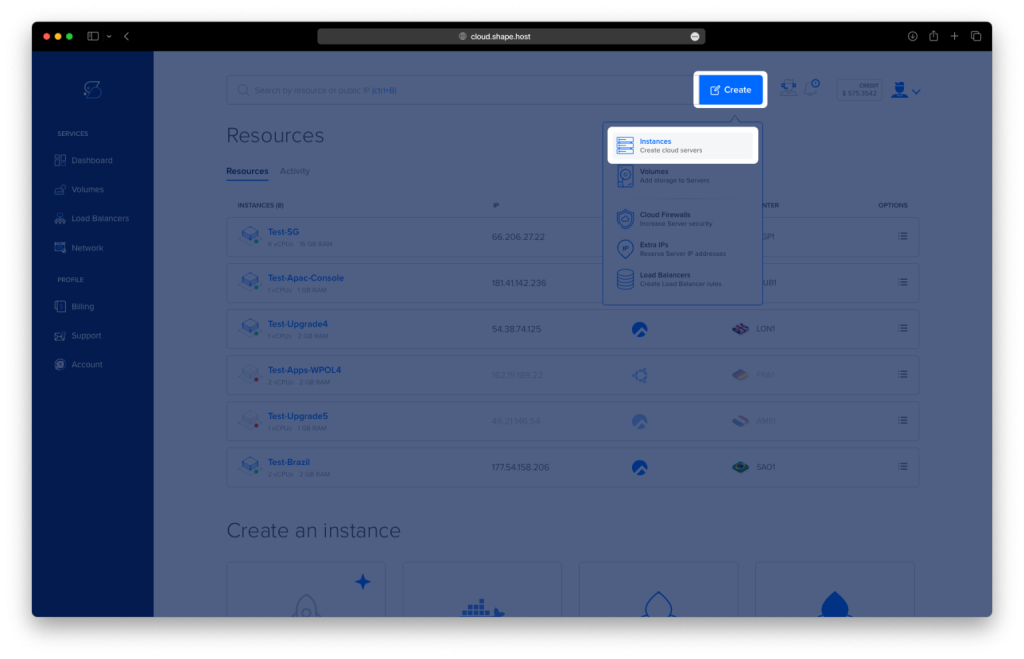
Go to https://shape.host and sign in.
Click Create at the top-right corner.
Select Instance.
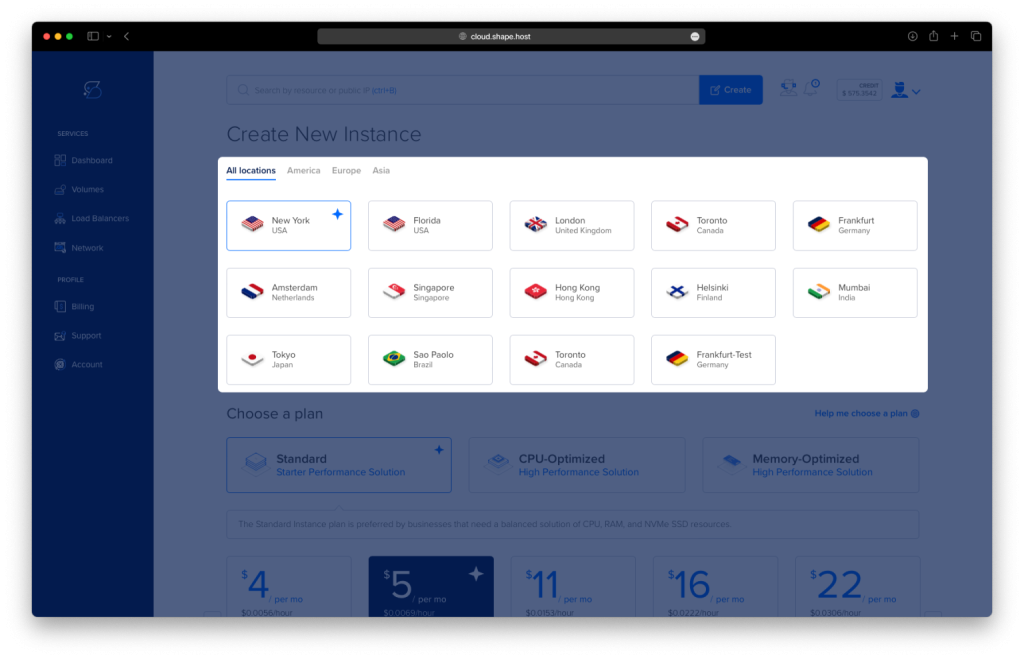
Choose your preferred data center.
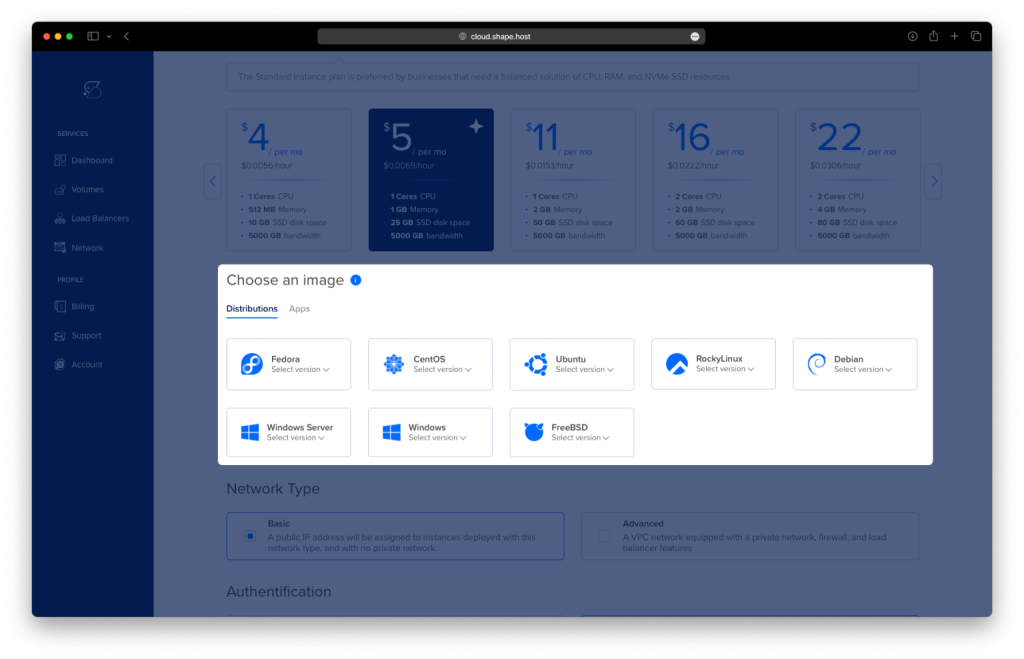
Under “Operating System,” choose Rocky Linux 9 (64-bit).
Choose a plan. Recommended minimum:
2 vCPUs
4 GB RAM
20 GB NVMe storage
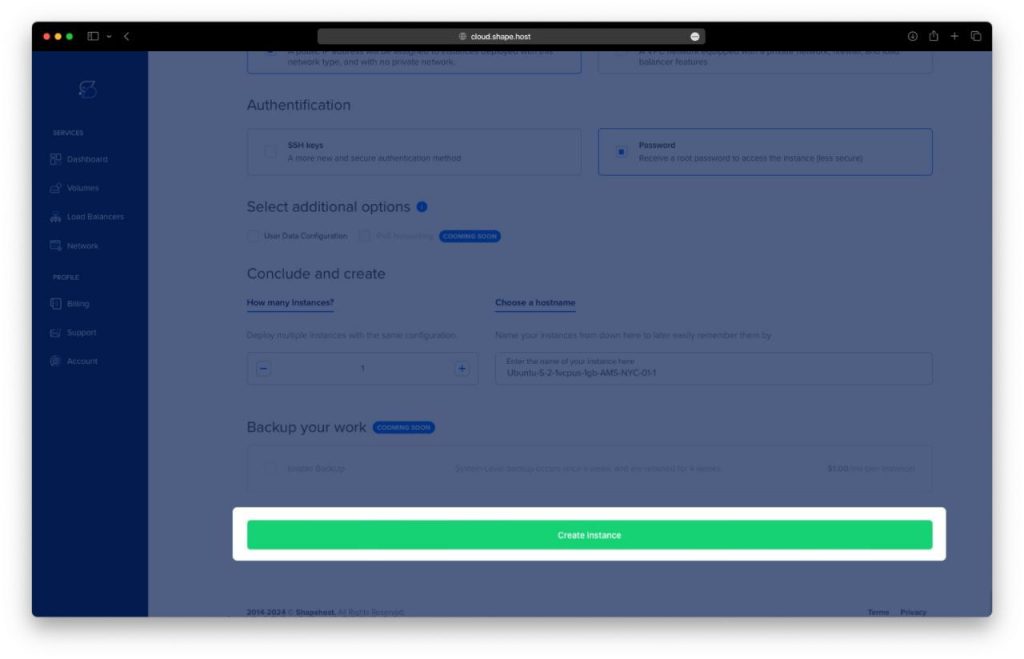
Click Create Instance.
Wait for deployment to complete (20–40 seconds).
Copy your server’s public IP address from the “Resources” panel.
Your Rocky Linux server is ready for SSH access.
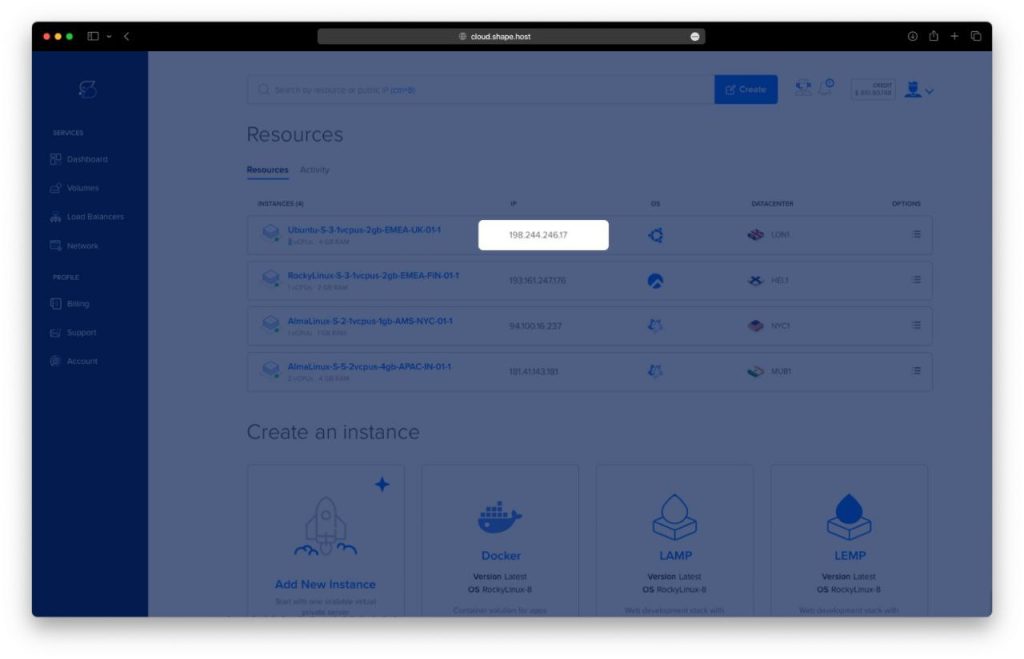
Step 1: Connect to Your Instance (SSH)
On macOS or Linux
Open Terminal:
ssh root@YOUR_SERVER_IP
On Windows
Use PowerShell, Windows Terminal, or PuTTY:
ssh root@YOUR_SERVER_IP
When prompted, confirm the fingerprint by typing yes.
You are now logged into your Rocky Linux 9 VPS as root.
Step 2: Update System Packages
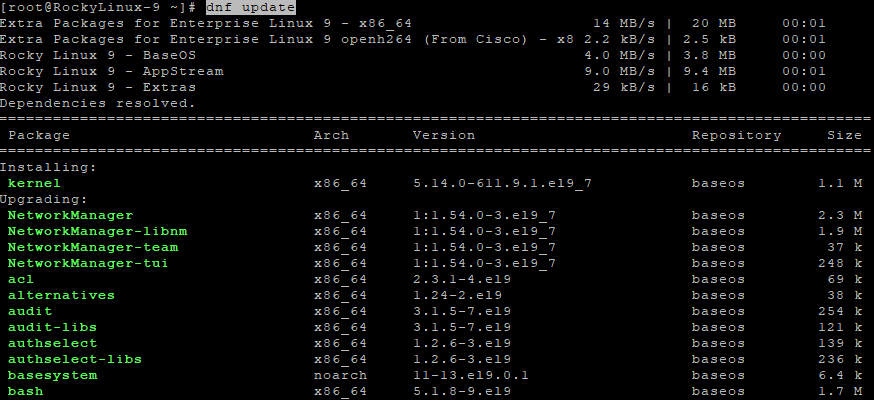
dnf update
Updates all system packages to the latest versions.
Step 3: Install Required Dependencies
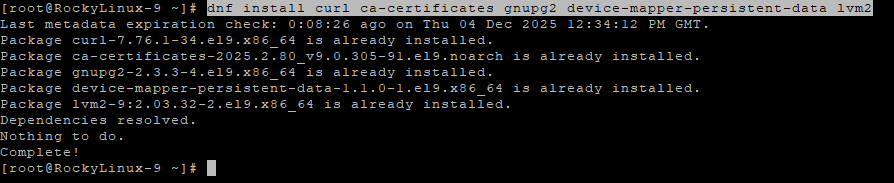
dnf install curl ca-certificates gnupg2 device-mapper-persistent-data lvm2
Explanation:
curl→ required for downloading filesca-certificates→ ensures secure HTTPSgnupg2→ handles key verificationdevice-mapper+lvm2→ used internally by Docker
Step 4: Add Docker Repository
curl -fsSL https://download.docker.com/linux/centos/docker-ce.repo -o /etc/yum.repos.d/docker-ce.repo
Rocky Linux uses the CentOS repository for Docker installation.
Step 5: Install Docker Engine + Docker Compose
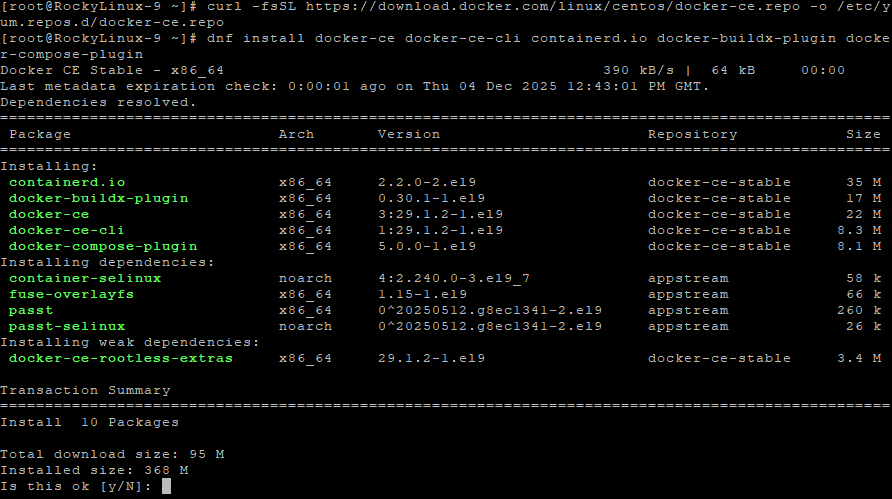
dnf install docker-ce docker-ce-cli containerd.io docker-buildx-plugin docker-compose-plugin
This installs:
- Docker Engine
- Docker CLI
- containerd
- Buildx plugin
- Docker Compose v2
Step 6: Enable Docker at Boot
systemctl enable docker
Step 7: Start Docker
systemctl start docker
Step 8: Add User to Docker Group
usermod -aG docker $USER
Allows running Docker without root (after re-login).

Step 9: Create NocoDB Directory
mkdir ~/nocodb
Step 10: Enter the Directory
cd ~/nocodb
Step 11: Generate a Secure JWT Secret
openssl rand -hex 32
Copy this secret for use in your configuration.

Step 12: Check Docker Versions
docker compose version
Confirms Docker installation.
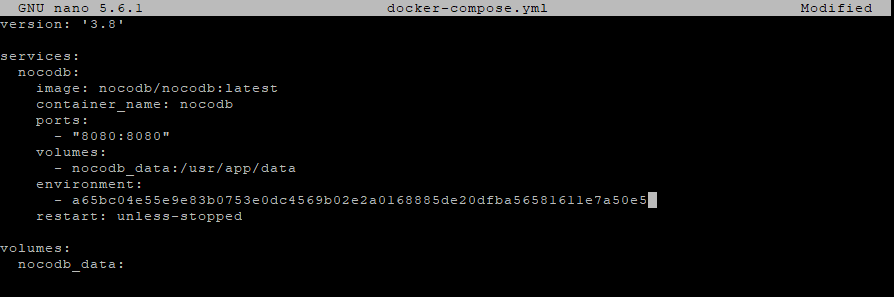
Step 13: Create docker-compose.yml
nano docker-compose.yml
Paste:
version: '3.8'

services:
  nocodb:
    image: nocodb/nocodb:latest
    container_name: nocodb
    ports:
      - "8080:8080"
    volumes:
      - nocodb_data:/usr/app/data
    environment:
      - NC_AUTH_JWT_SECRET=YOUR_RANDOM_JWT_SECRET
    restart: unless-stopped

volumes:
  nocodb_data:
Save and exit (CTRL + O, ENTER, CTRL + X).
Step 14: Start NocoDB
docker compose up -d
NocoDB will now start in the background.

Step 15: Confirm NocoDB is Running
docker ps

Look for:
nocodb Up
Step 16: Check Logs (Optional)
docker compose logs
This helps diagnose any startup issues.
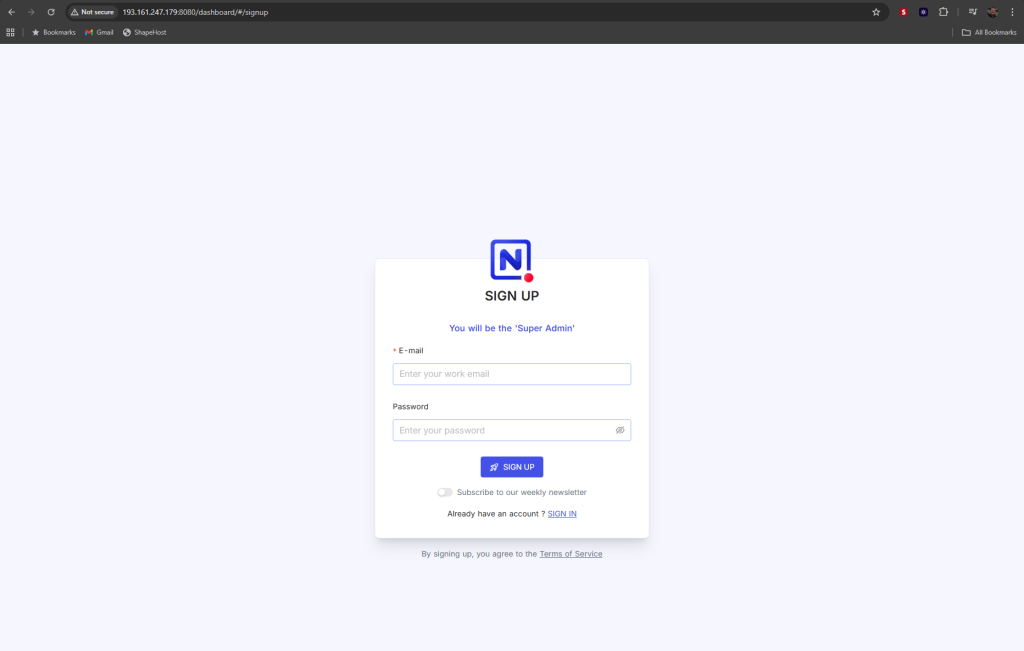
Step 17: Test NocoDB from Your Browser (Before Setting Up Nginx)
Visit:
http://YOUR_SERVER_IP:8080
Example:
http://192.168.10.25:8080
If NocoDB is running correctly, you should see the web interface.
If not, ensure the container is up and port 8080 is allowed.
Once confirmed, proceed to enable Nginx reverse proxy.
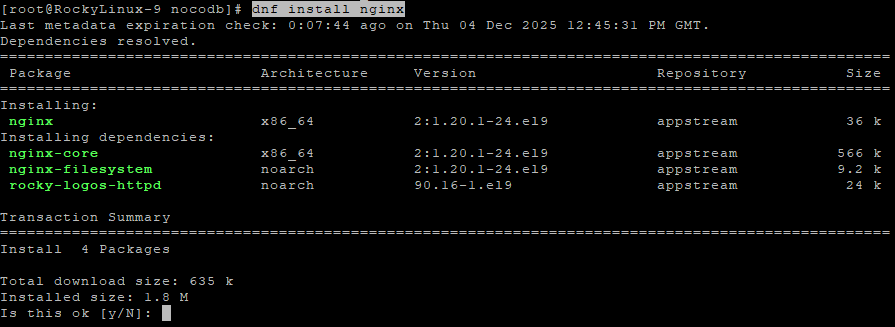
Step 18: Install Nginx
dnf install nginx
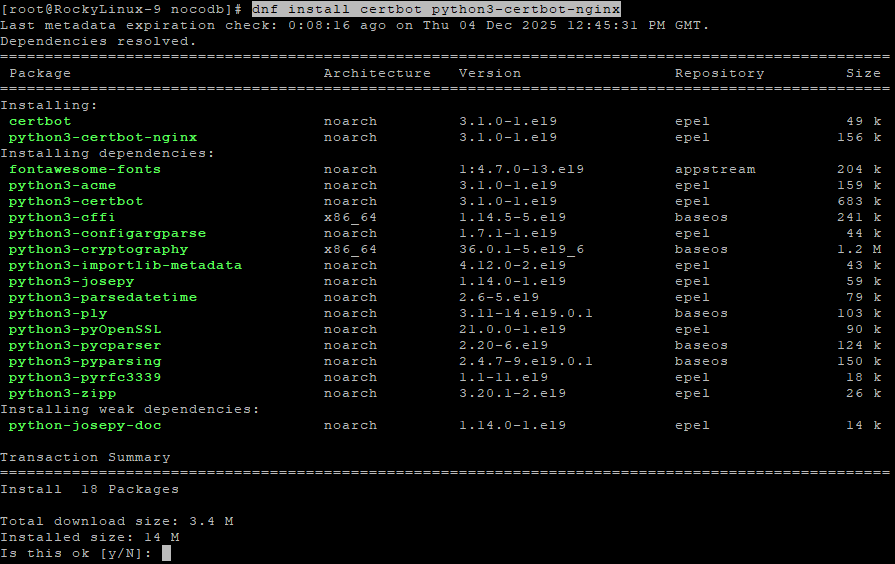
Step 19: Install Certbot for SSL
dnf install certbot python3-certbot-nginx
Step 20: Enable and Start Nginx
systemctl enable nginx
systemctl start nginx

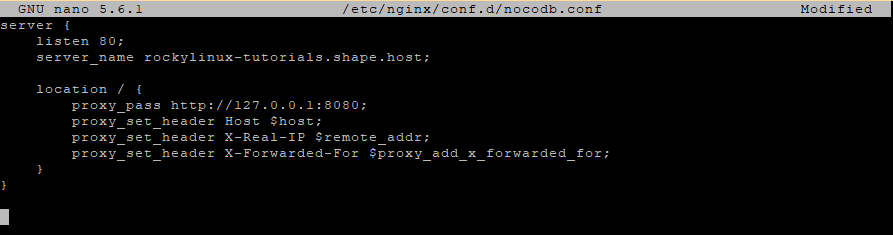
Step 21: Create Nginx Reverse Proxy
nano /etc/nginx/conf.d/nocodb.conf
Paste:
server {
    listen 80;
    server_name your.domain.com;

    location / {
        proxy_pass http://127.0.0.1:8080;
        proxy_set_header Host $host;
        proxy_set_header X-Real-IP $remote_addr;
        proxy_set_header X-Forwarded-For $proxy_add_x_forwarded_for;
    }
}
Step 22: Test Nginx Configuration
nginx -t
Step 23: Reload Nginx
systemctl reload nginx

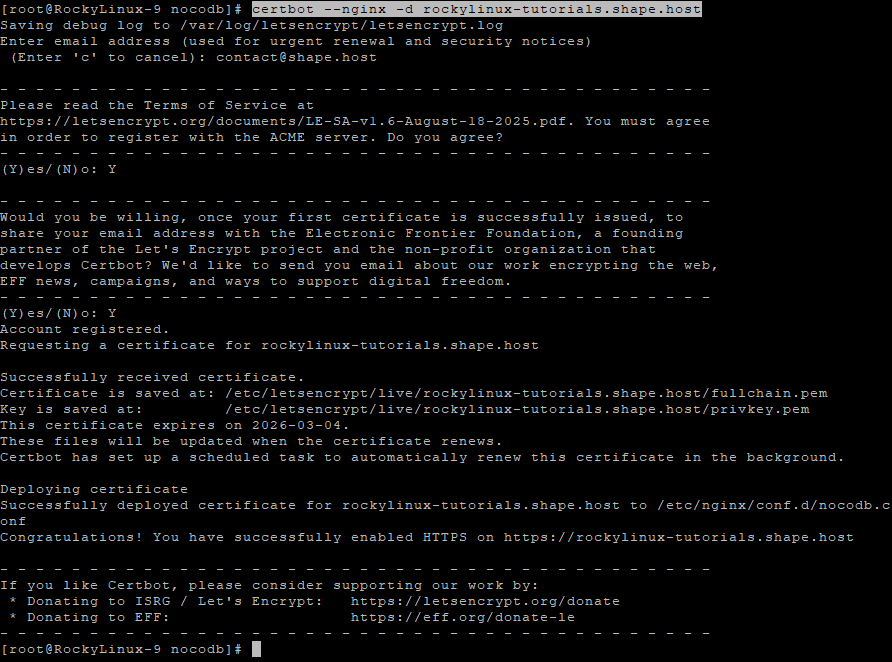
Step 24: Enable HTTPS with Certbot
certbot --nginx -d rockylinux-tutorials.shape.host
Certbot will:
- Issue a free SSL certificate
- Update your Nginx configuration
- Enable automatic renewal
- Activate HTTPS
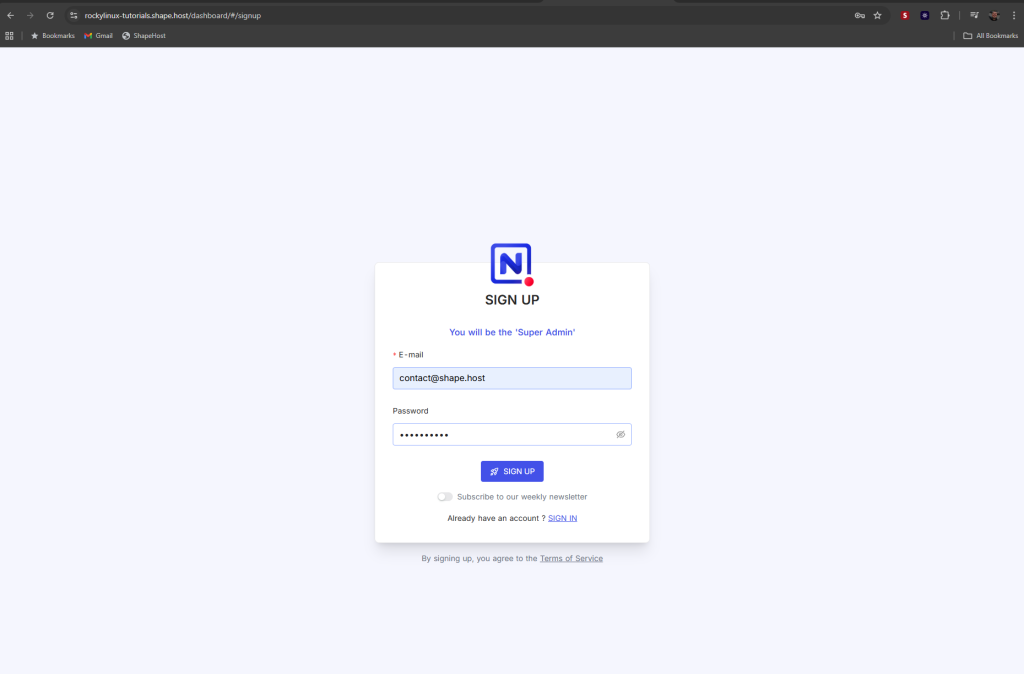
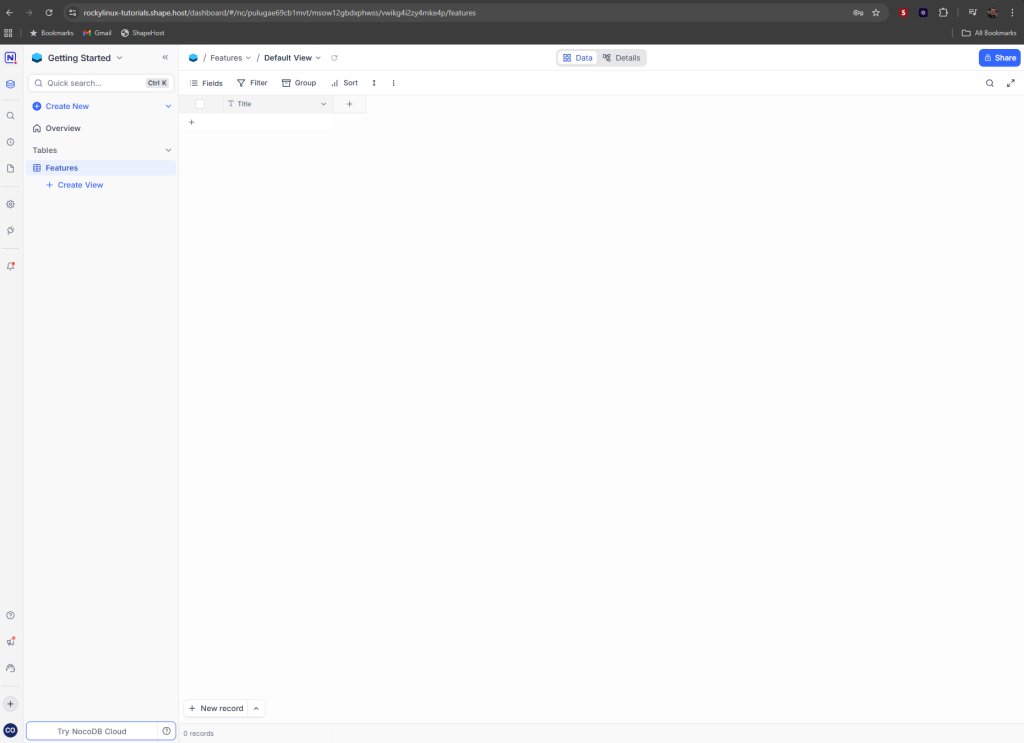
NocoDB Installation Complete
Your instance is now available securely at:
https://your.domain.com
You have successfully installed NocoDB on Rocky Linux 9 using Docker, Nginx, and SSL.
Running software like NocoDB, Appwrite, Focalboard, HedgeDoc, Paperless-ngx, and more requires stable performance.
Shape.Host offers:
- Fast NVMe Linux SSD VPS
- Instant provisioning
- Clean OS templates
- Excellent uptime
- Scalable infrastructure
Visit https://shape.host to host your next project.
